Training groups
Many clubs train in groups: juniors on one field, adults on another. A group decides who a session is for, so each person sees and gets reminded about only their own sessions and the ones for the whole club.
A club that trains as one doesn't need groups at all. Without them every session is for everyone.
Making a group
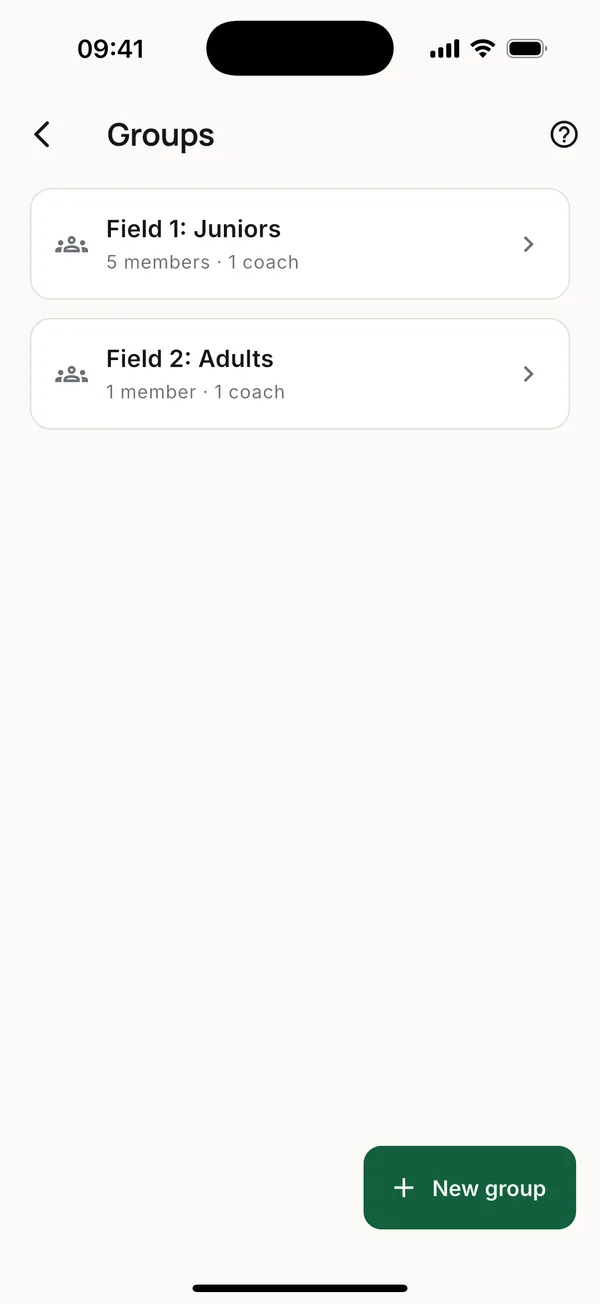
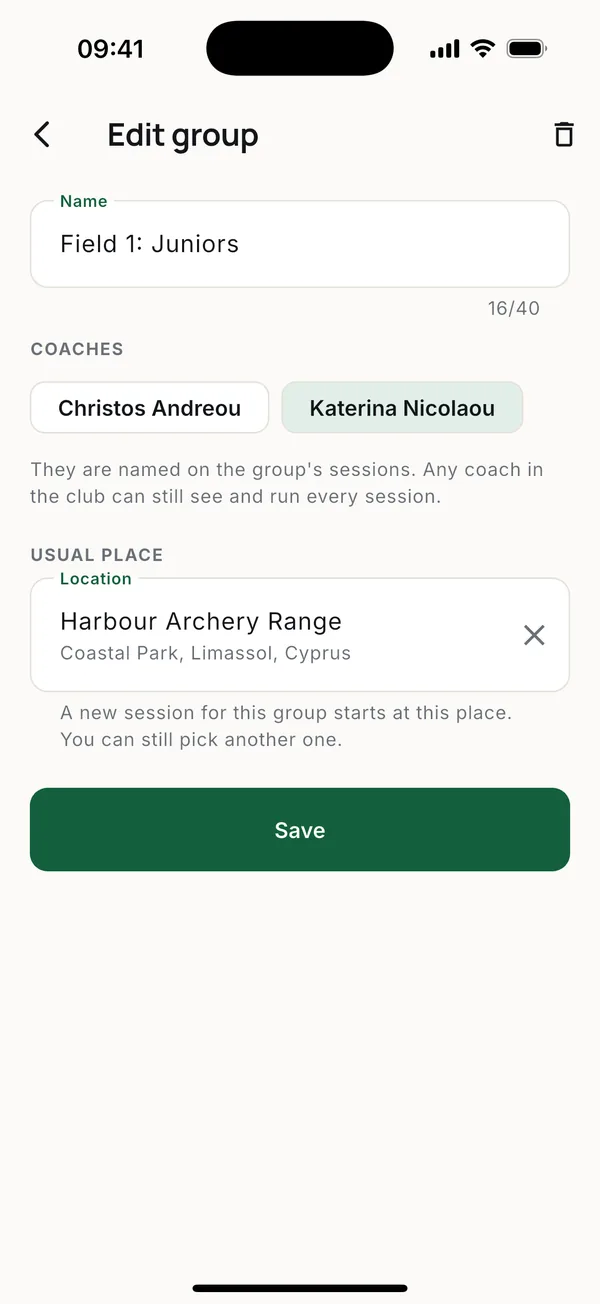
The owner or an admin opens More > Club settings > Groups and taps New group.
- Coaches are named on the group's sessions. Any coach in the club can still see and run every session.
- Usual place. A new session for the group starts there. It can still be changed.
A group with sessions still ahead can't be deleted.
Putting people in groups
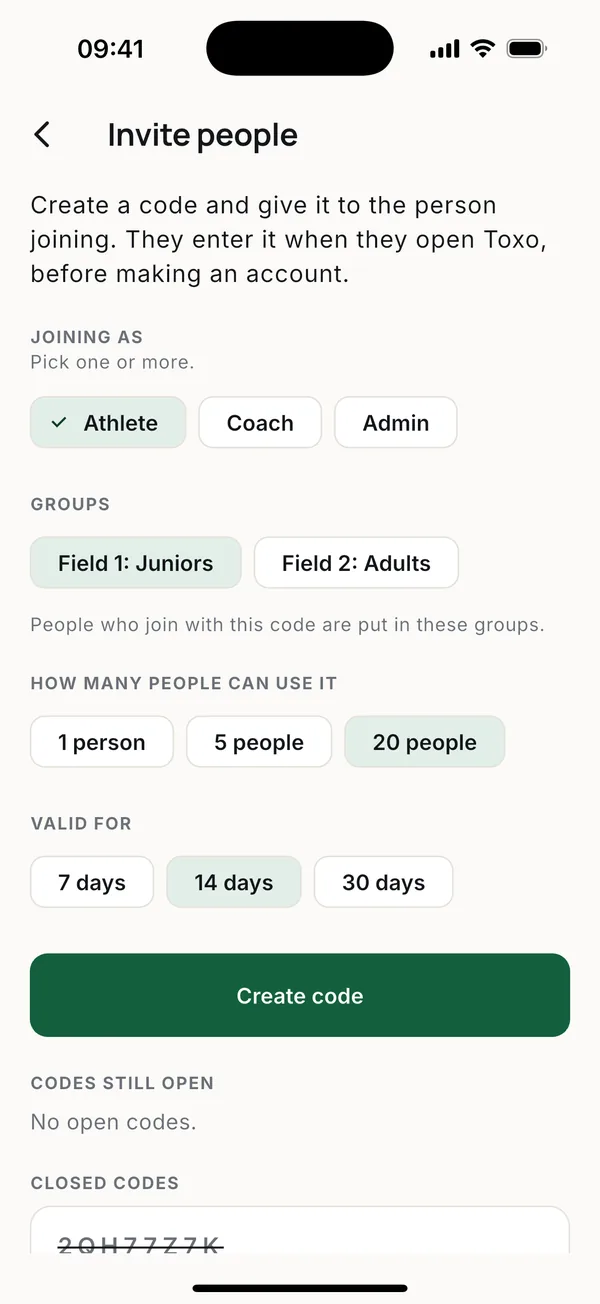
- When inviting. Pick the groups on the invite code, and everyone who joins with it goes into them.
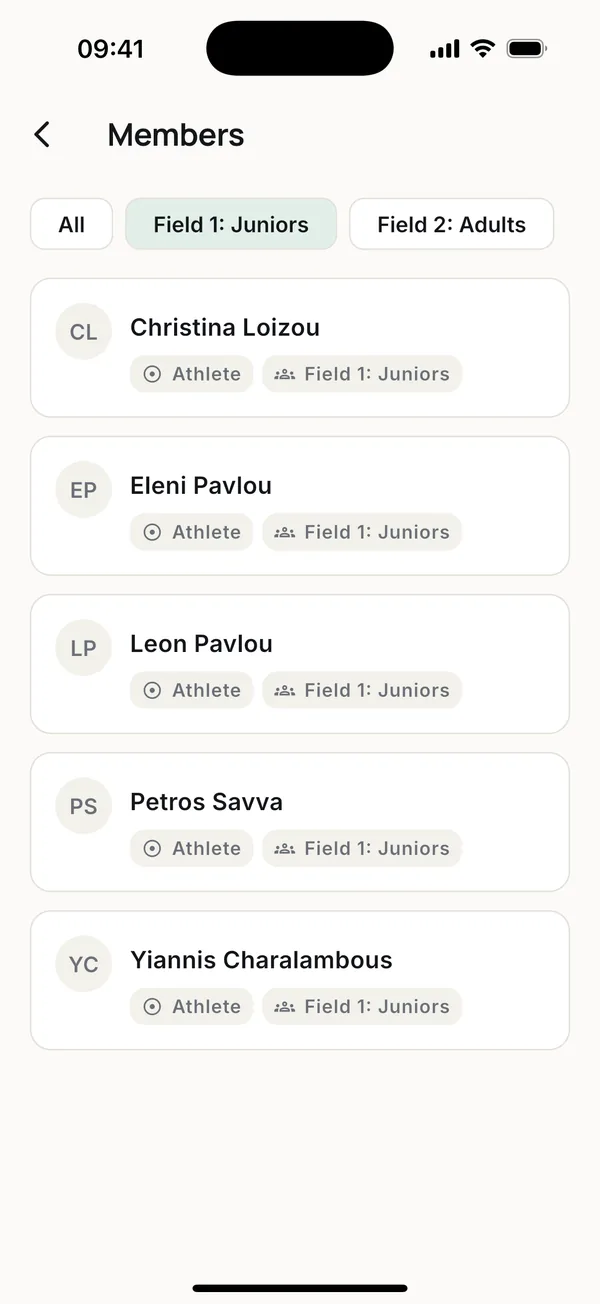
- Later. Open a member in Members and tick their groups. It saves as you tap.
A person can be in more than one group.
Sessions for a group
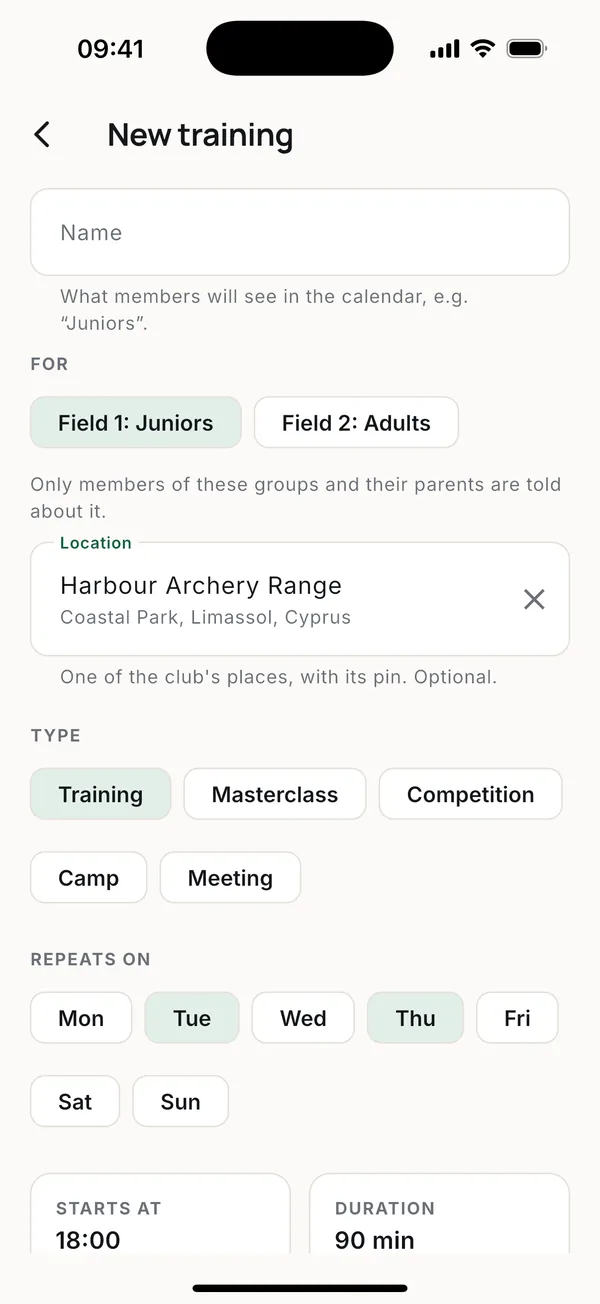
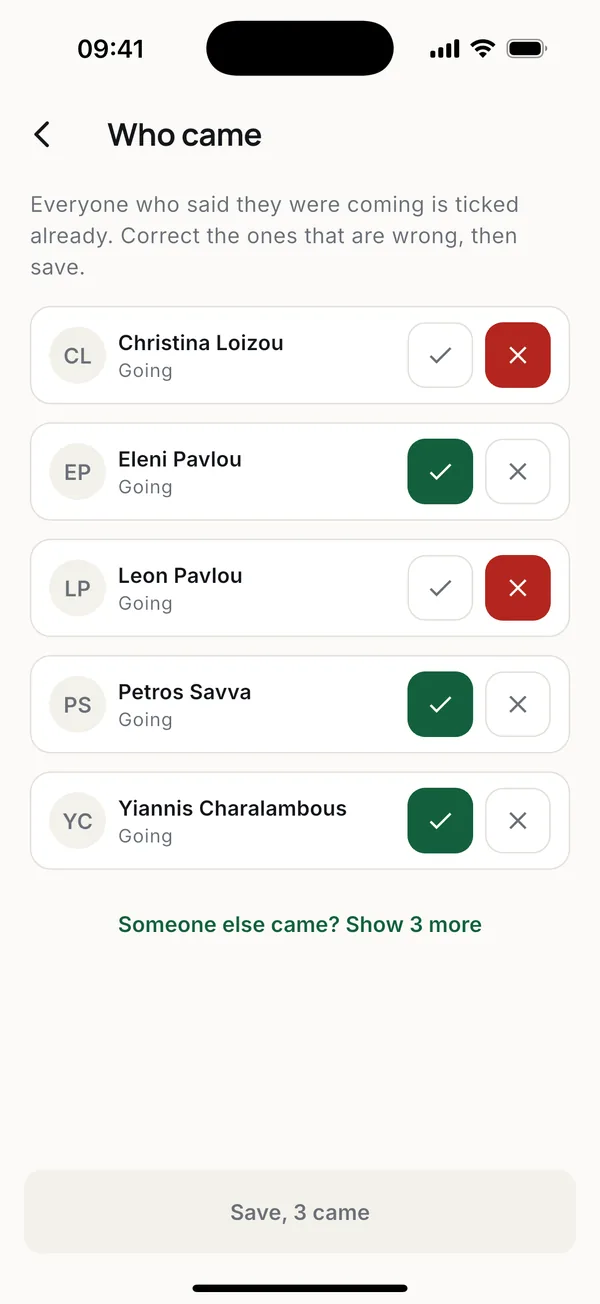
When adding a weekly schedule or an event, pick the groups under For. Only members of those groups, and their parents, are told about it. Attendance shows the group first; if someone from another group came, tap Someone else came? to find them.
More guides
Questions? Write to [email protected]