Bows
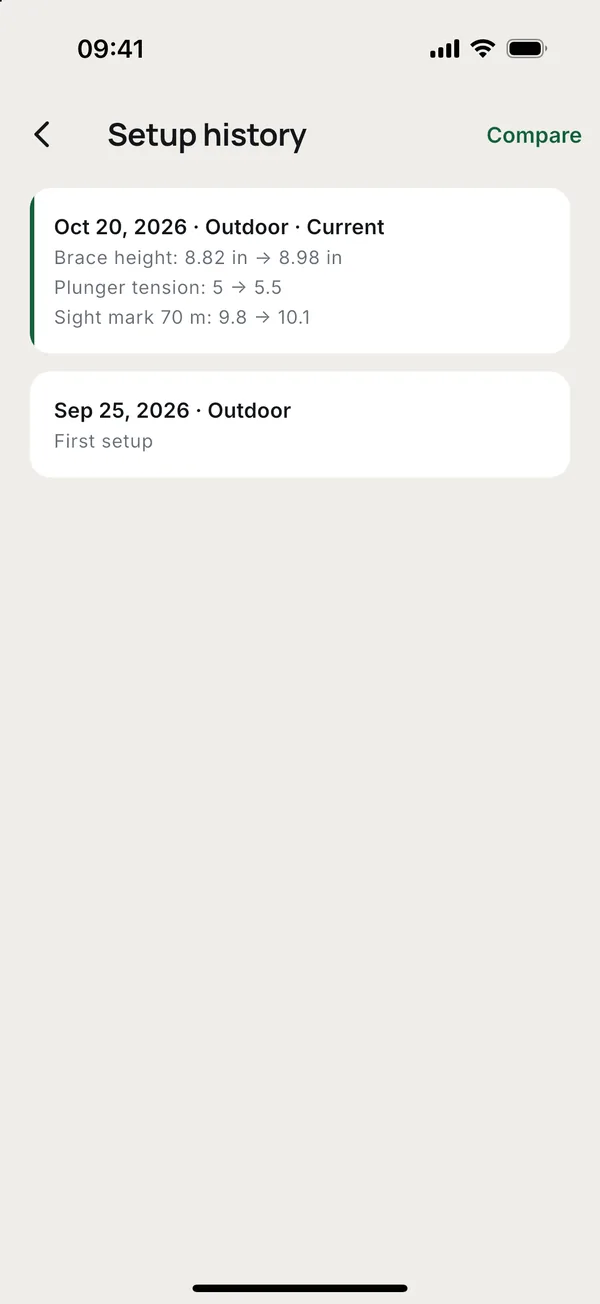
"What was the brace height before we changed it?" is hard to answer from memory. In Toxo each bow keeps its setup, its sight marks and every change, with the date.
Your bows
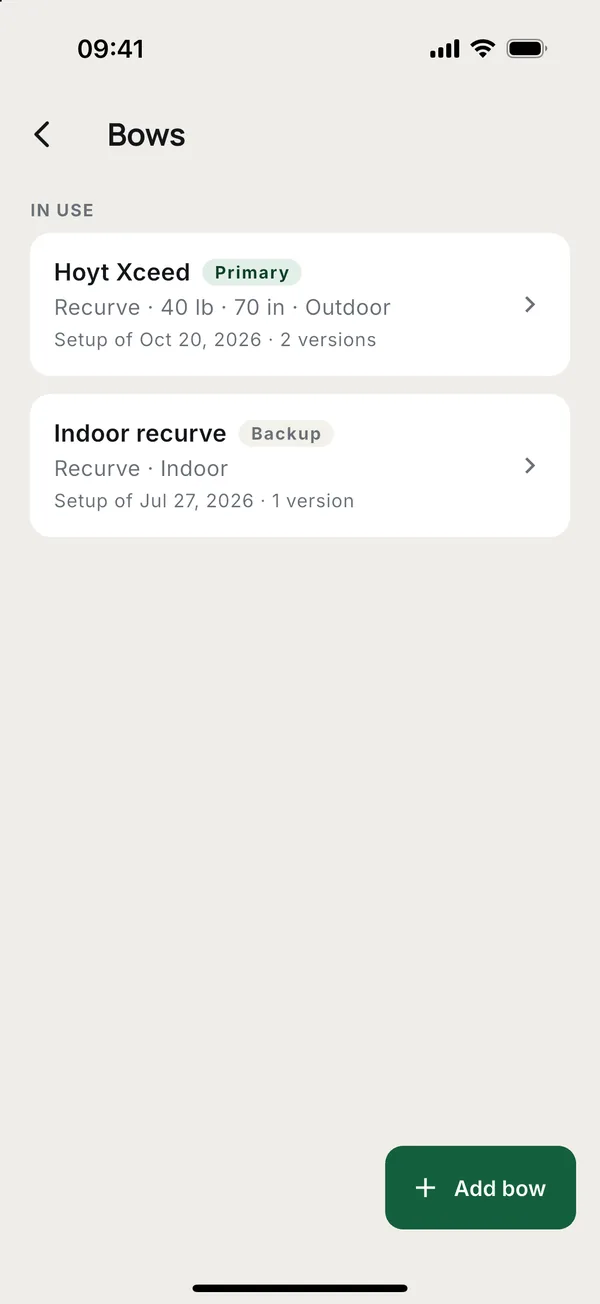
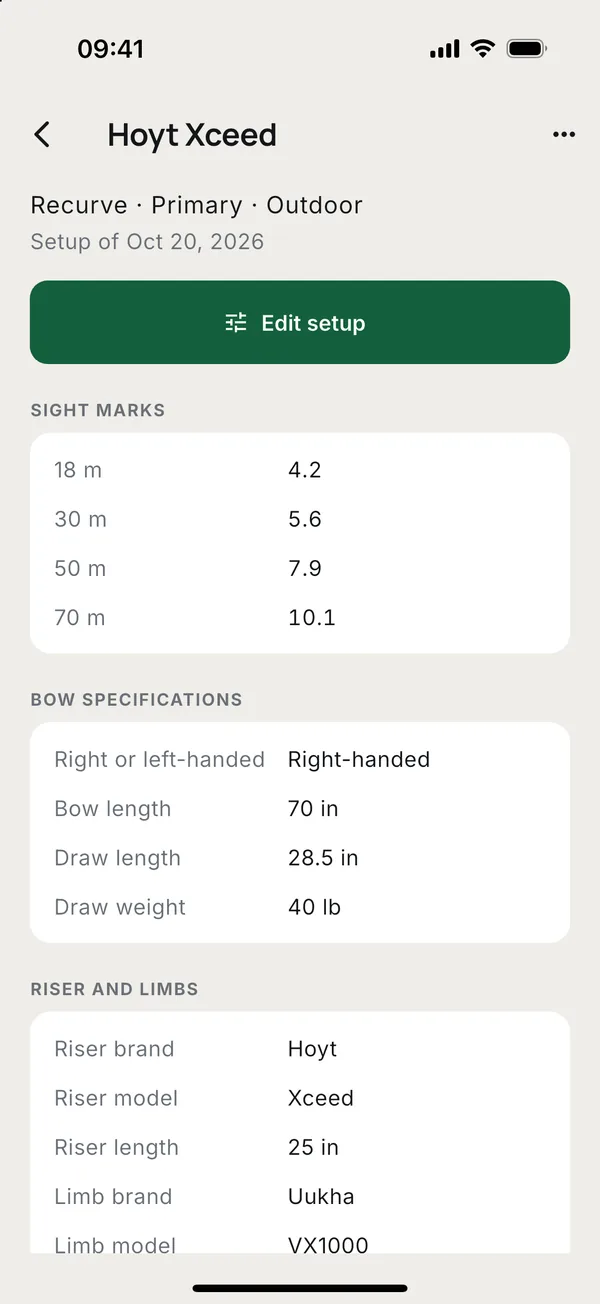
Archers open More > My bows. Parents find a child's bows on the child's page, and coaches on the member's page, under Bows.
- Tap Add bow. Give it a Name and a Bow type, and pick a Role: Primary or Backup.
- Fill in what you know: riser and limbs, string, tuning, sight, arrows. Every field can be left empty and filled in later.
- Add Sight marks: a distance in metres and the mark.
- Save.
The list shows the bows In use first and the Retired ones below.
Changing the setup
Open the bow and tap Edit setup. Each save with a change keeps the old setup in the history, so nothing you had is lost.
- History lists every setup with its date.
- Compare: pick two setups and see only what changed between them.
- Bring back this setup on an old setup makes it the current one again. The setup you replace stays in the history.
Coach's tuning notes
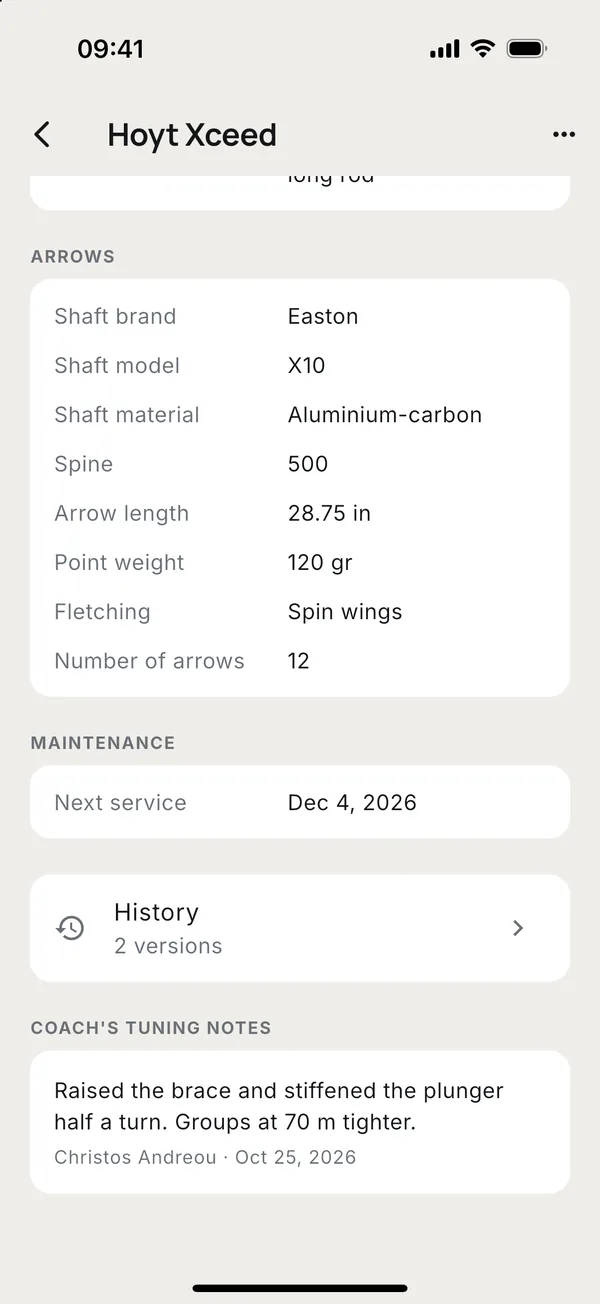
A coach writes what to change and why under Coach's tuning notes, with Add a note. Each note shows the coach's name and the date, so the archer can find the advice a month later. Only the coach who wrote a note can remove it.
Primary, backup and retired
From the bow's menu:
- Make primary or Make backup changes its role.
- Retire moves a bow you no longer shoot to Retired, with its history. Back in use returns it.
- Delete bow removes it with all its setups and the coach's notes. This cannot be undone. Only the archer or a parent can delete a bow.
Who can change a bow
- The archer, and a parent for a child.
- The coaches of the archer's groups. They can add bows, change the setup, bring back an old one and write tuning notes.
Other staff in the club see the bows but cannot change them.
More guides
Questions? Write to [email protected]