Toxo for athletes
Toxo shows you when training is, keeps your scores, and tells you what you owe the club. Your scores are yours: a coach sees a round only when you show it to them, unless your club has chosen to let coaches see all results (you are told if it has).
Getting in
Your club gives you an invite code. Open Toxo, tap I have an invite code, type it, then create your account.
Home
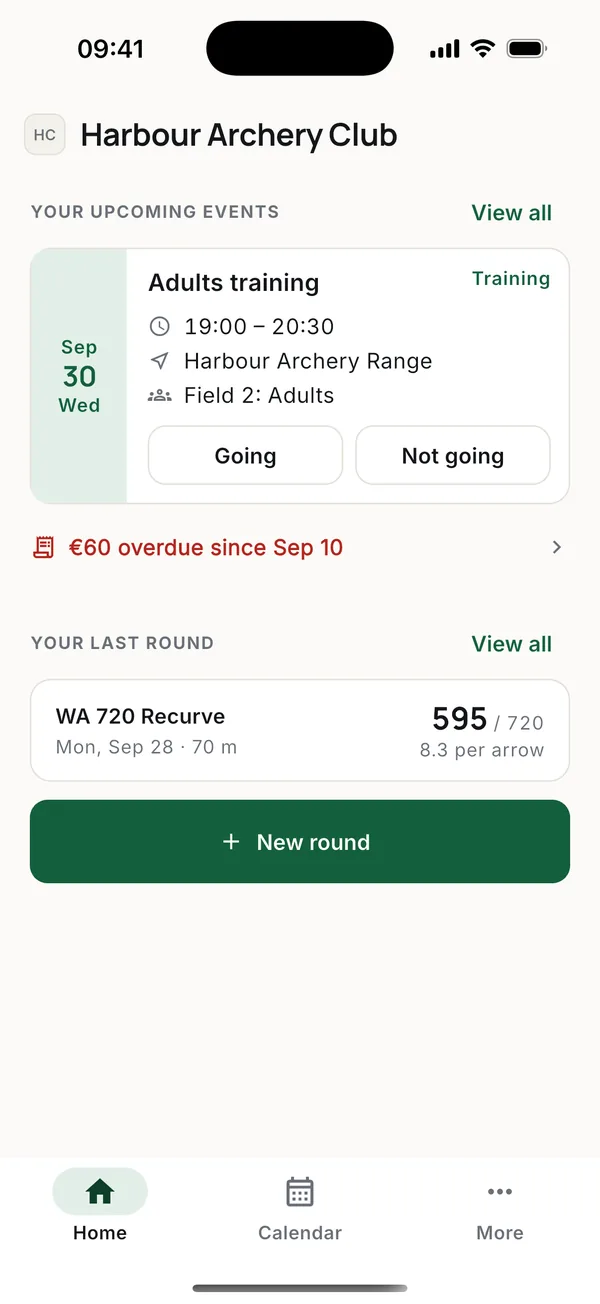
- Going / Not going. Tap under the session. The coach sees who is coming before the session, and marks who came after it.
- View all shows the rest of your upcoming events. Cancelled ones stay, greyed, so you don't turn up for nothing.
- If the club trains in groups, you see your group's sessions and the ones for the whole club.
Scoring a round
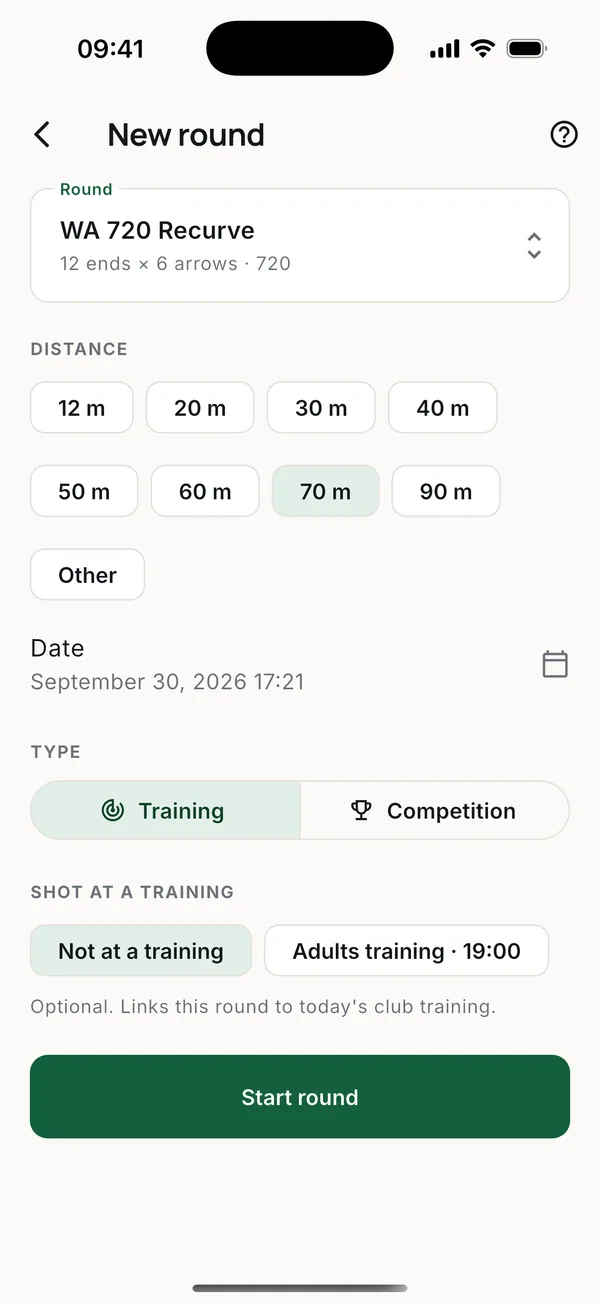
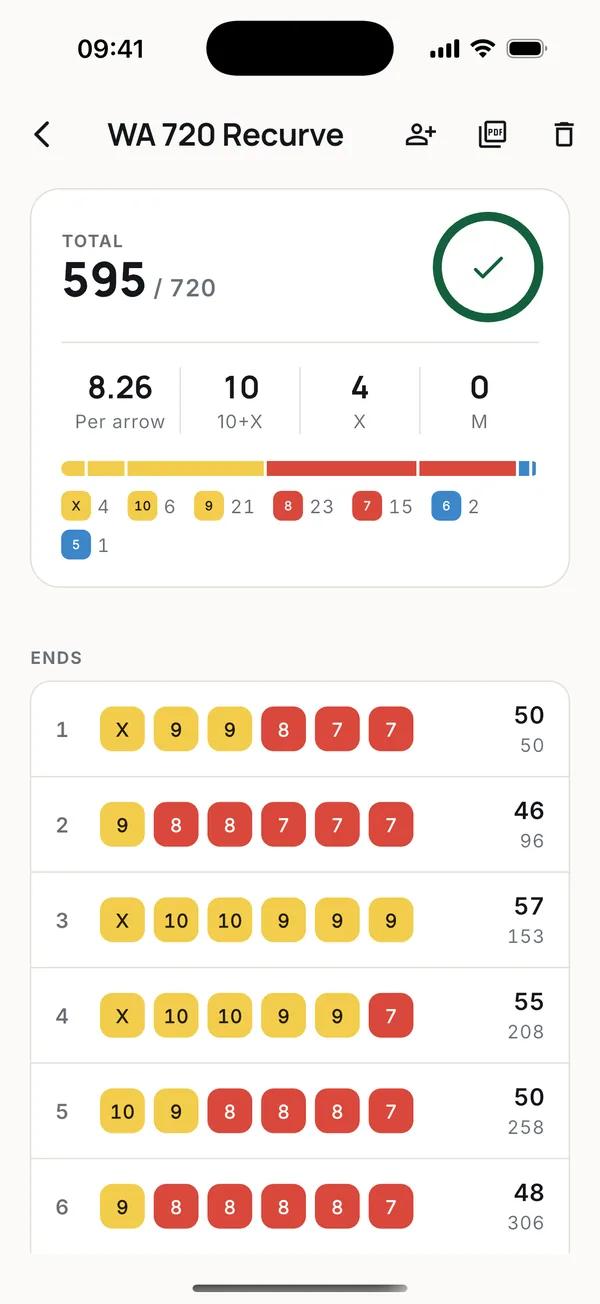
- Tap New round on Home.
- The round and distance start on what you usually shoot. Tap the round to pick another; the distance can always be changed.
- If you shot at today's club training, pick it under Shot at a training.
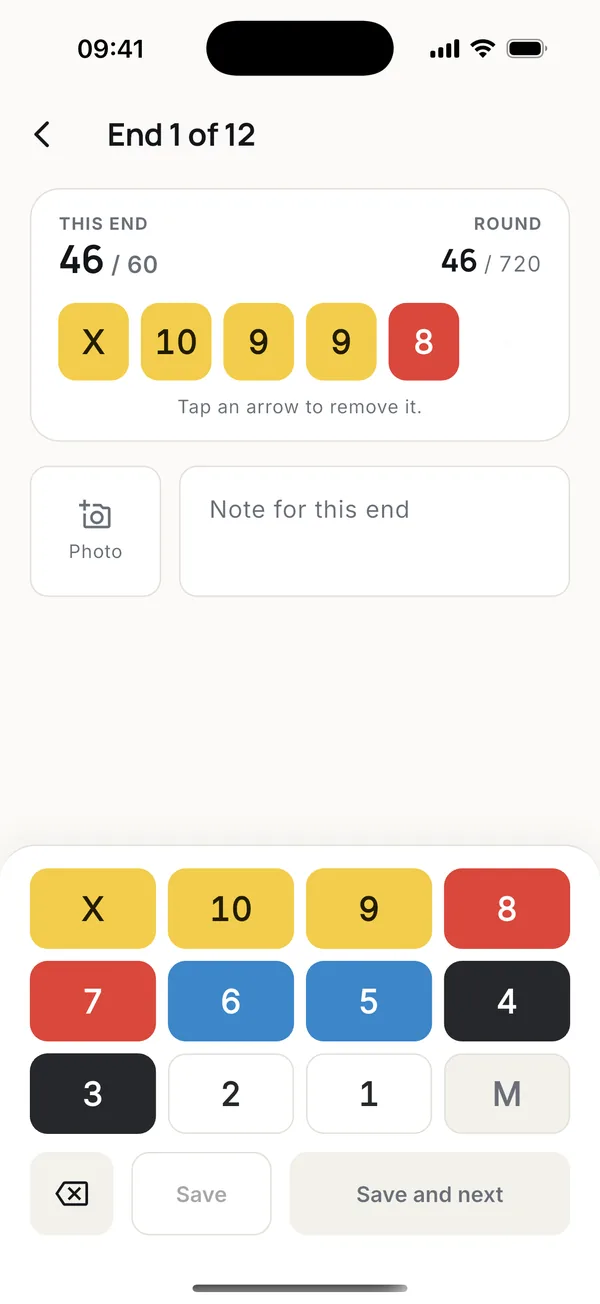
- Score each end on the keypad: X, 10 to 1, and M for a miss. Add a photo of the target or a note if you like.
- Save and next moves to the next end.
No signal at the range? Keep scoring. The round stays on the phone and uploads when you are back online, even if you closed the app.
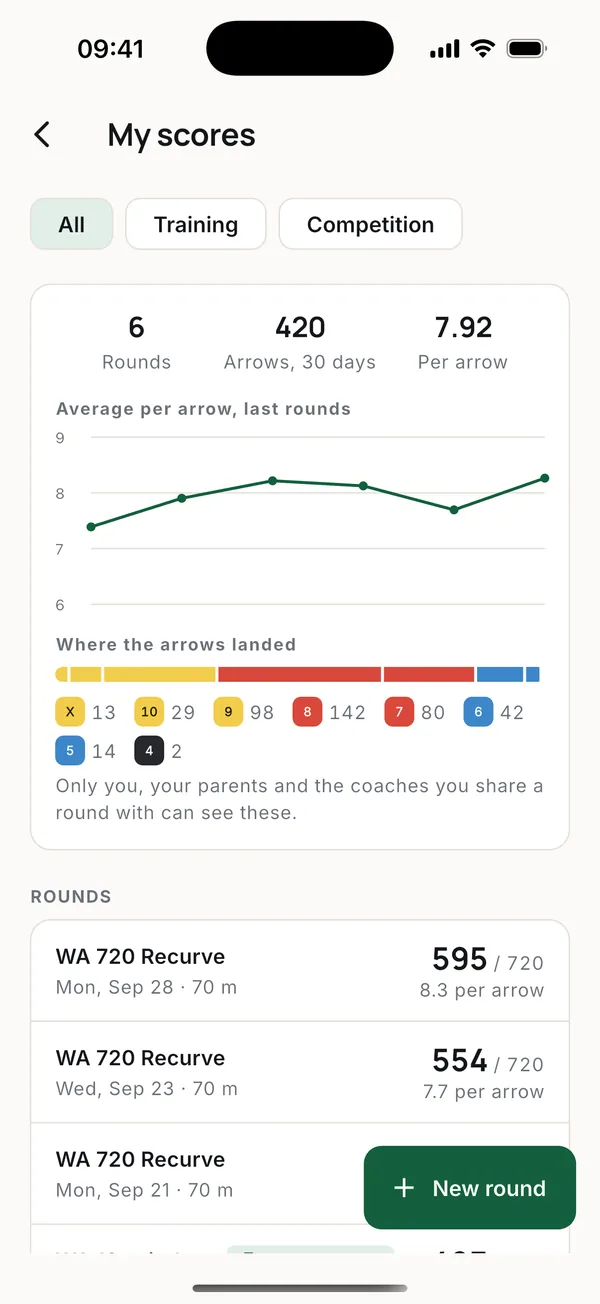
More about rounds, progress and PDF scorecards in Scores.
Showing a round to your coach
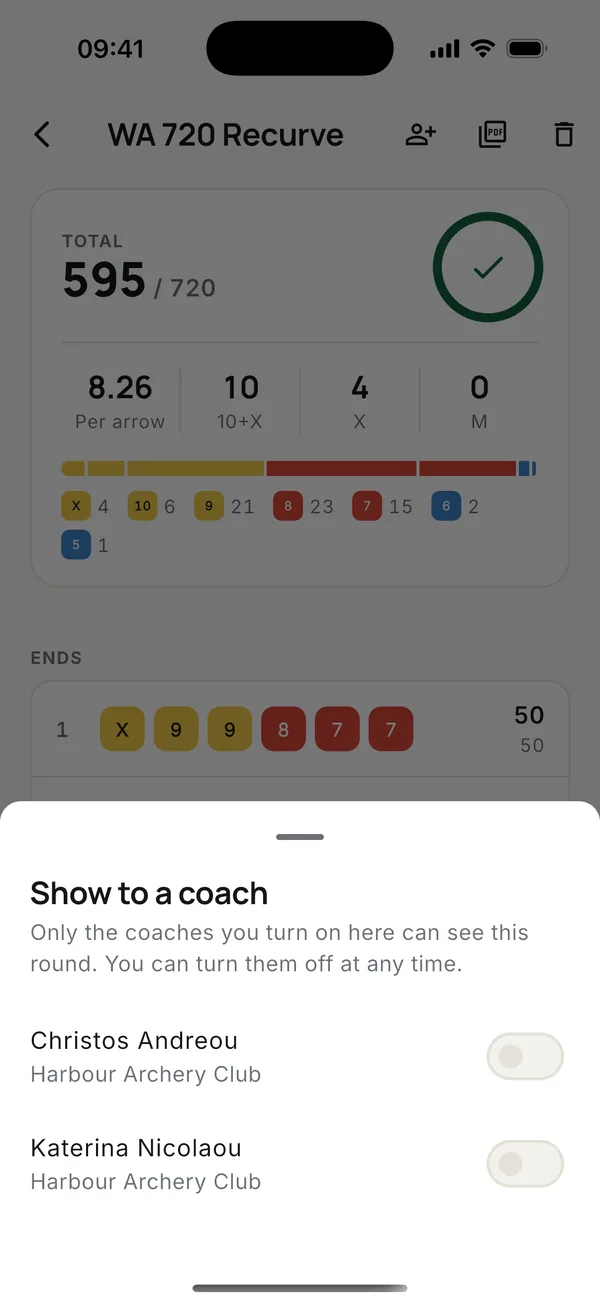
Open the round and tap the person icon at the top. The coach gets a notification.
Payments
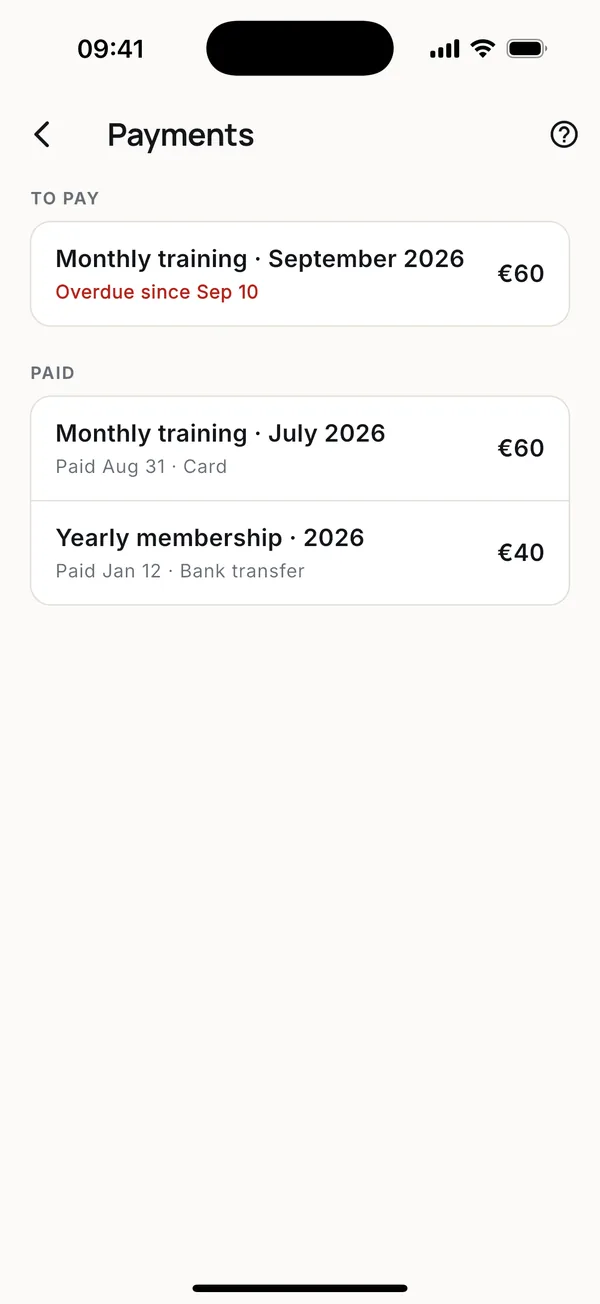
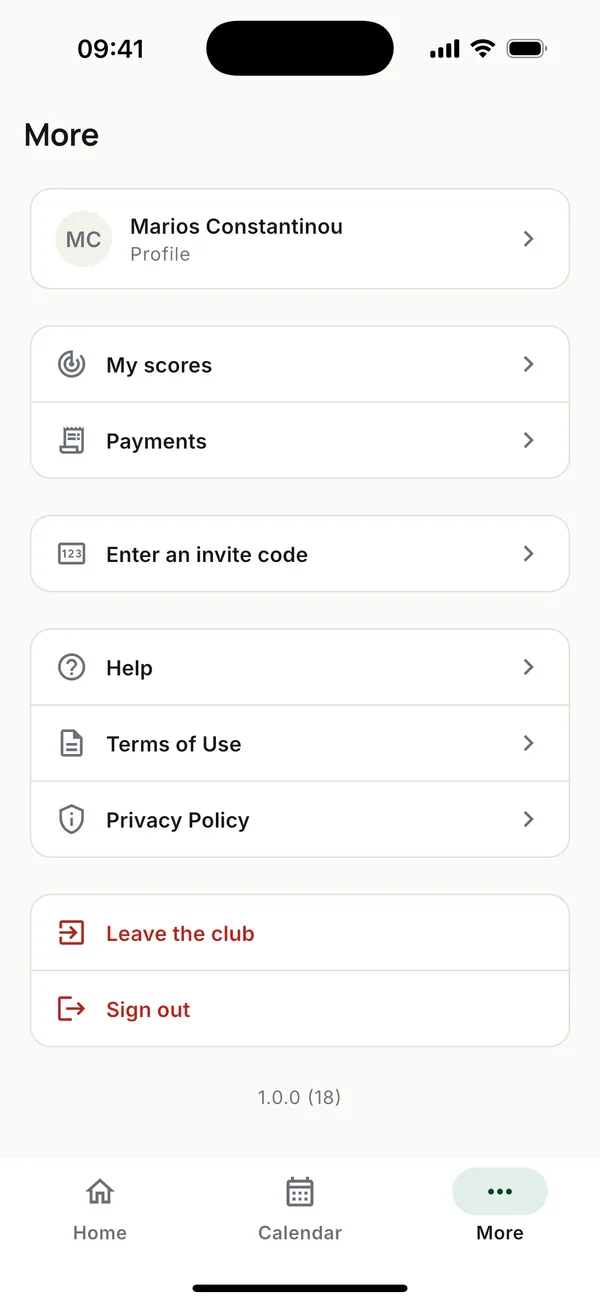
More > Payments lists what the club has charged you. Something overdue is shown in red. You pay the club the way you always have; the club marks it paid in Toxo. See Payments.
Health card
Your club may record the expiry date of your sports medical certificate. Toxo reminds you 90, 30 and 7 days before, and on the day. It keeps only the date.
More guides
Questions? Write to [email protected]