Your child's own phone
A child can score rounds on their own phone without an email address or a password. You connect the phone once from yours; after that it stays signed in and shows only that child's scores.
Connecting
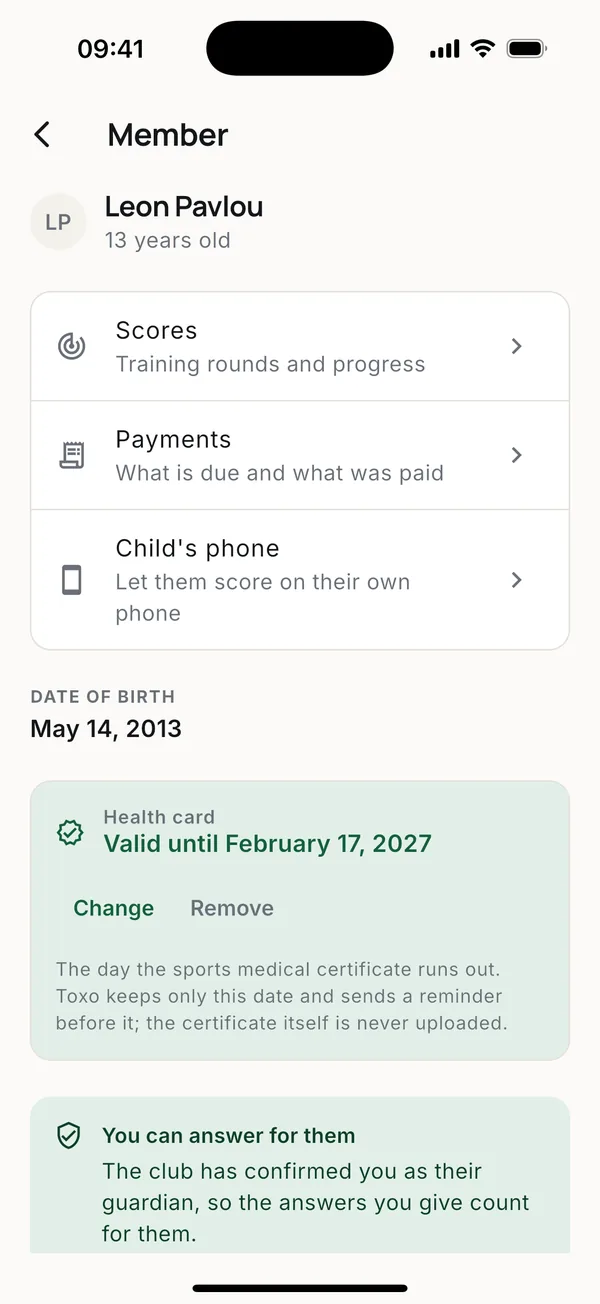
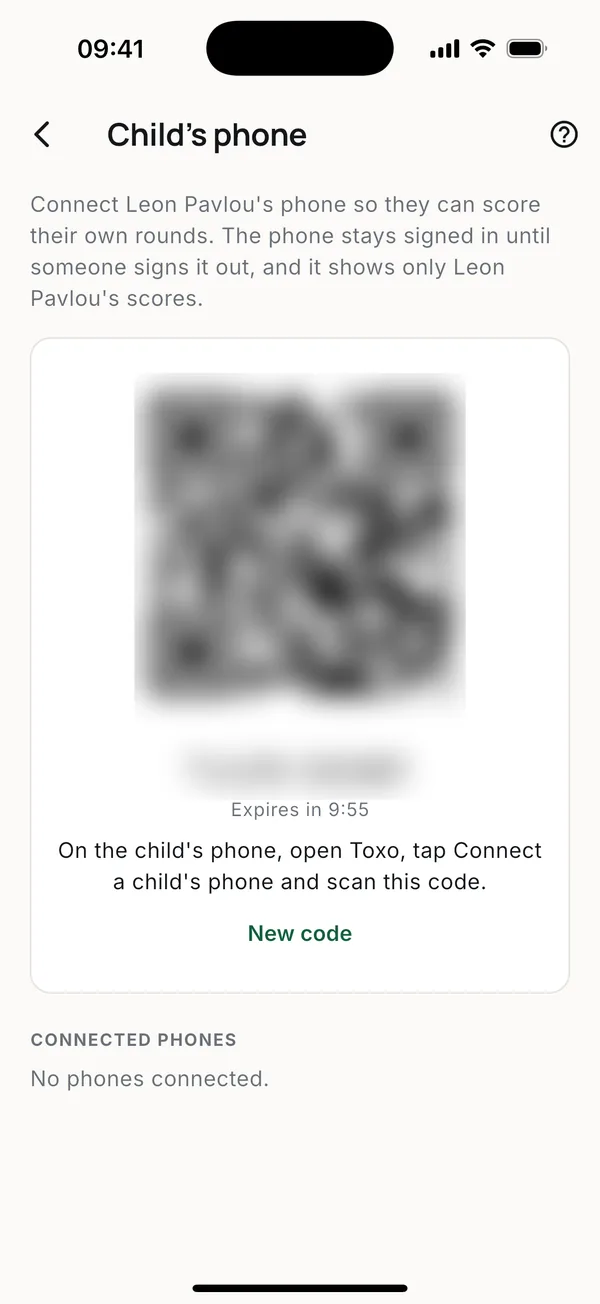
- On your phone, open your child's card and tap Child's phone. A QR code and a short code appear. They last ten minutes.
- On the child's phone, open Toxo and tap Connect a child's phone on the sign-in screen.
- Scan the QR code, or type the short code.
The child's phone is now signed in as your child. It shows their scores and New round, and nothing else about the club.
Disconnecting
The same screen lists the connected phones. Disconnect one from there, for example if it is lost. The child's phone signs out and the child's rounds stay safe.
Good to know
- Rounds scored on the child's phone go into the child's scores, which you see on your phone too.
- No signal at the range is fine: rounds upload when the phone is back online.
- A code shown to someone else could connect their phone, so show it only to your child's phone. A code you didn't use expires by itself.
More guides
Questions? Write to [email protected]