Toxo for coaches
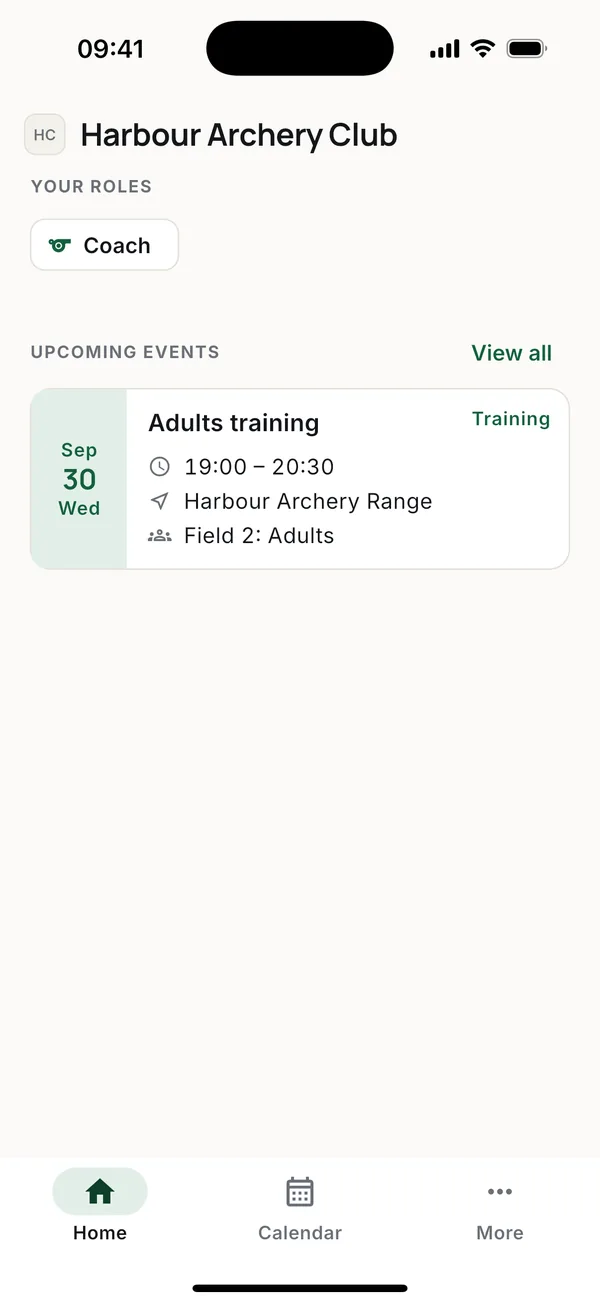
As a coach you run the training side of the club: the schedule, attendance, members and their scores. The owner decides who the admins are and, if you take money at the range, whether you can mark payments.
The schedule
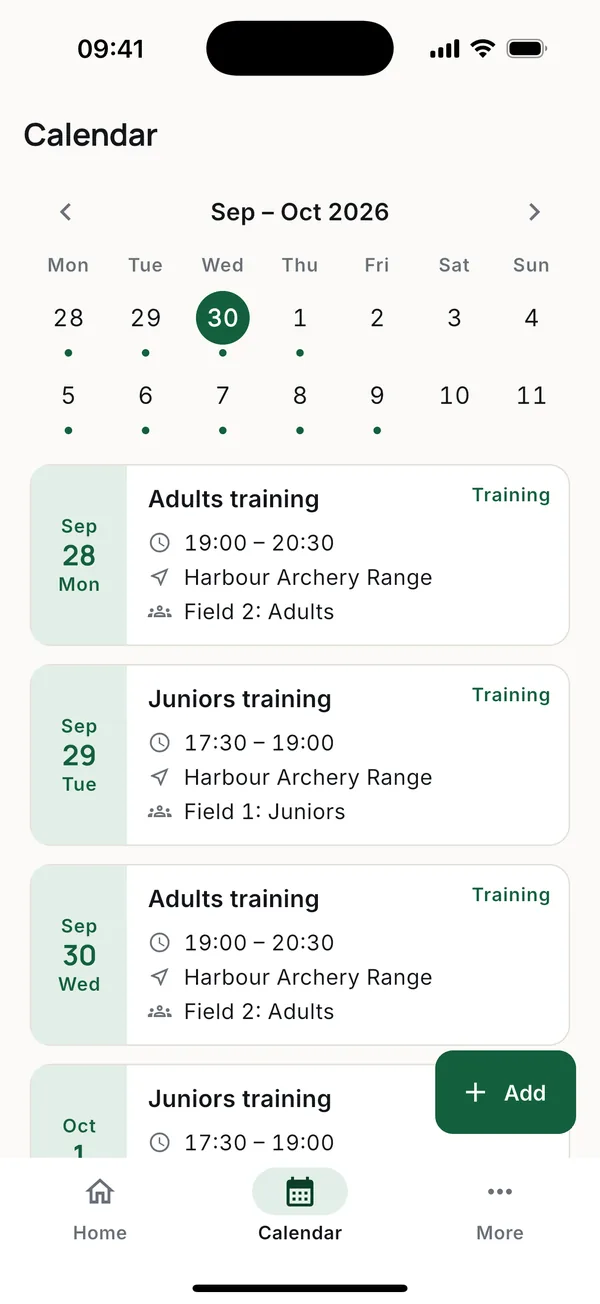
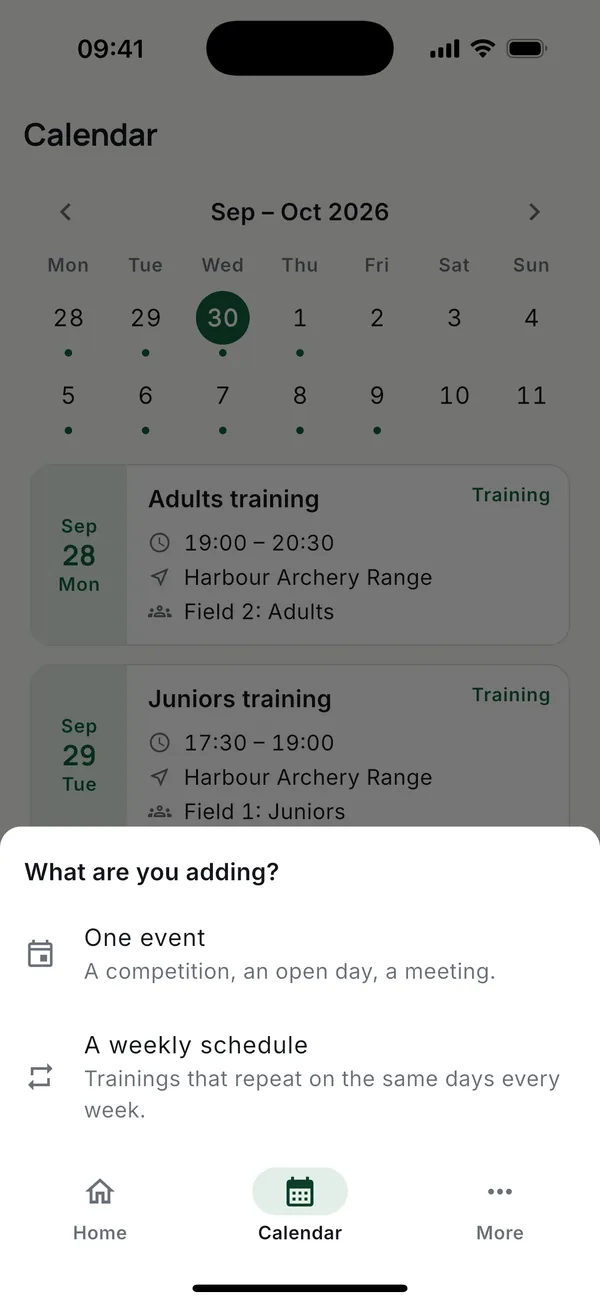
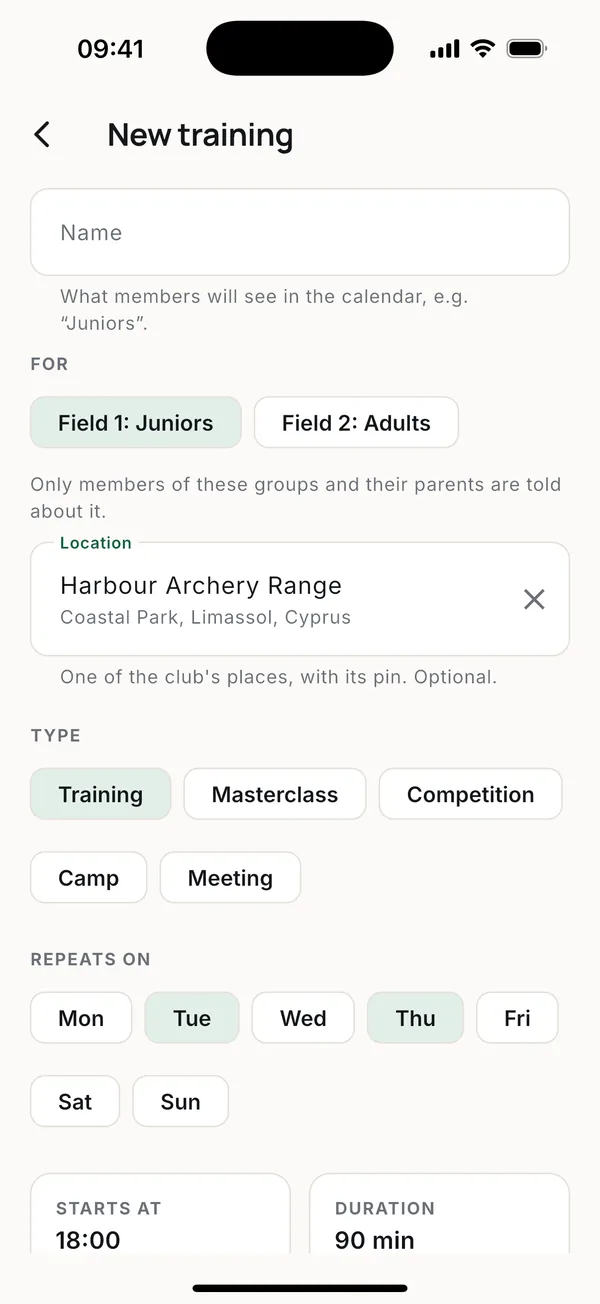
- Open Calendar and tap Add.
- Choose A weekly schedule for regular trainings, or One event for a competition, open day or meeting.
- Under For, pick the groups the sessions are for. Nothing picked means the whole club. Picking a group fills in its usual place.
- Pick the days, the start time and how long it lasts, then save. The sessions appear in the calendar.
To cancel or move one session, open it and use the menu at the top. Everyone expecting it gets a notification and an email. A schedule can also be edited or stopped: members get one message about it, not one per session.
Attendance
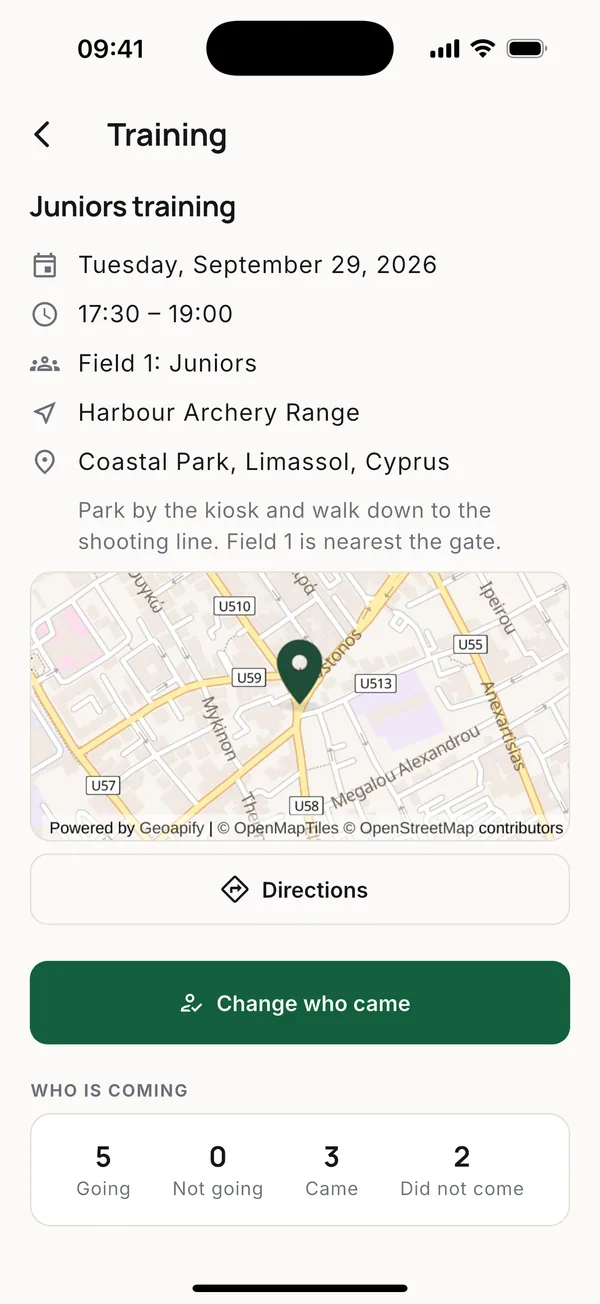
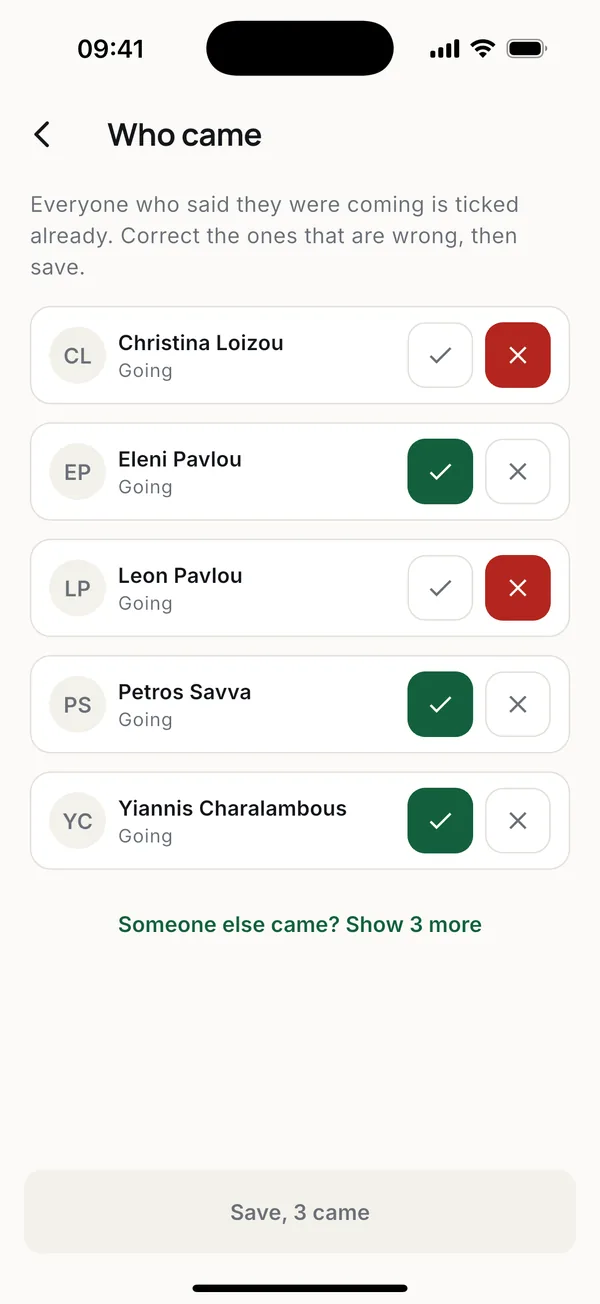
Open the session and tap Take attendance (or Change who came later). The list shows the people the session is for. If someone from another group turned up, tap Someone else came? at the bottom to see the rest of the club.
What a member answered is never overwritten. Both are kept, so the club can see who said yes and didn't come.
Members
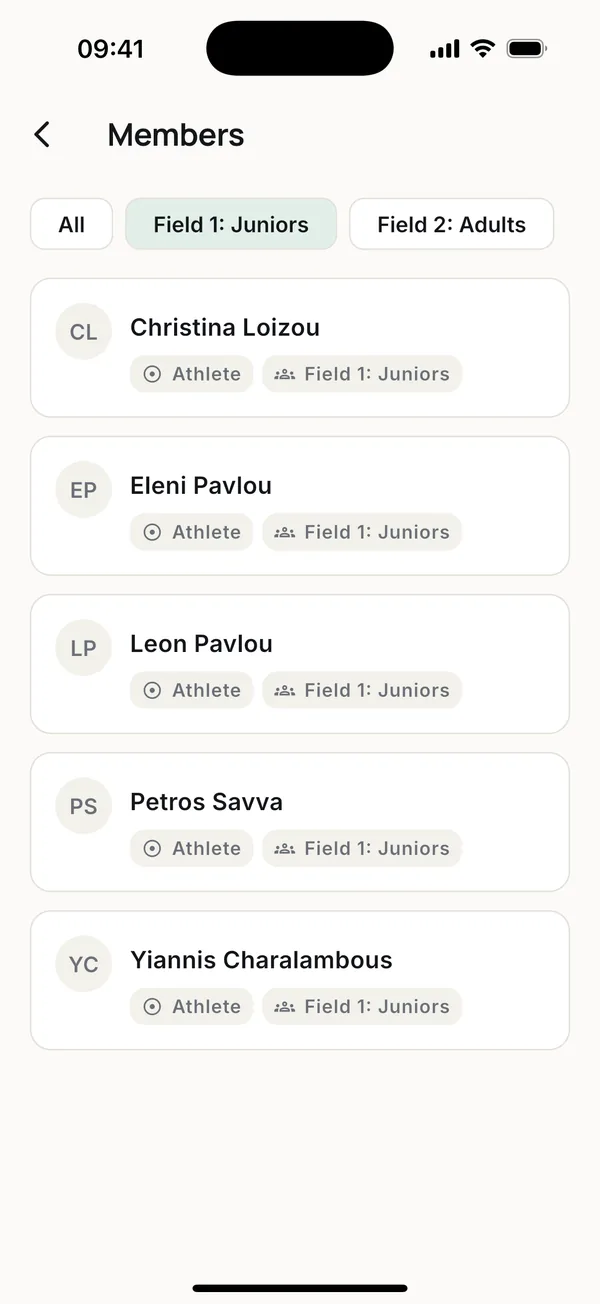
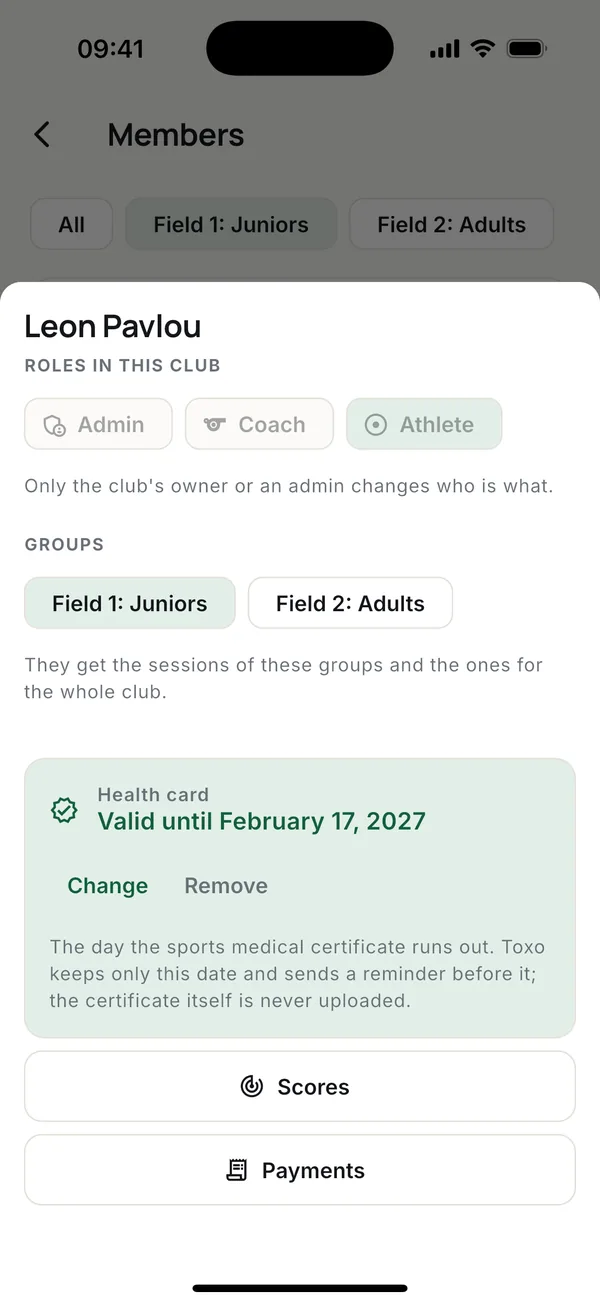
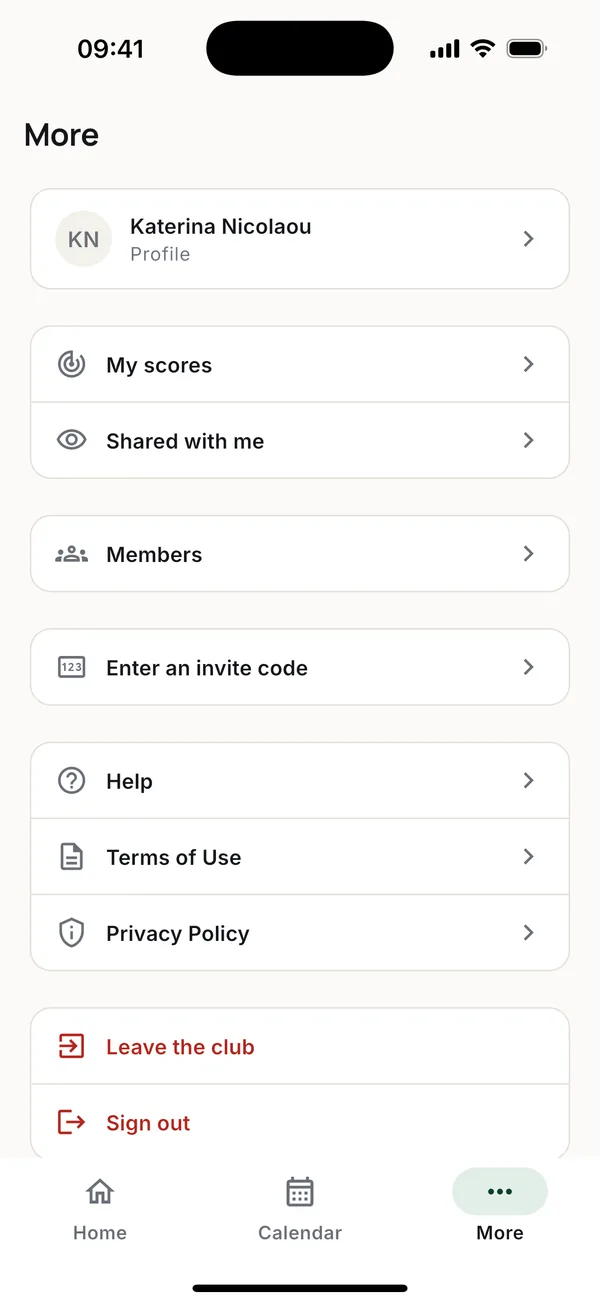
More > Members lists everyone in the club. Tap the group chips to filter. Tap a person to change their groups, record their health card date, or open their scores and payments.
Coaches can see whose sports medical certificate has expired, expires soon or is missing.
Entering a round from a paper scorecard
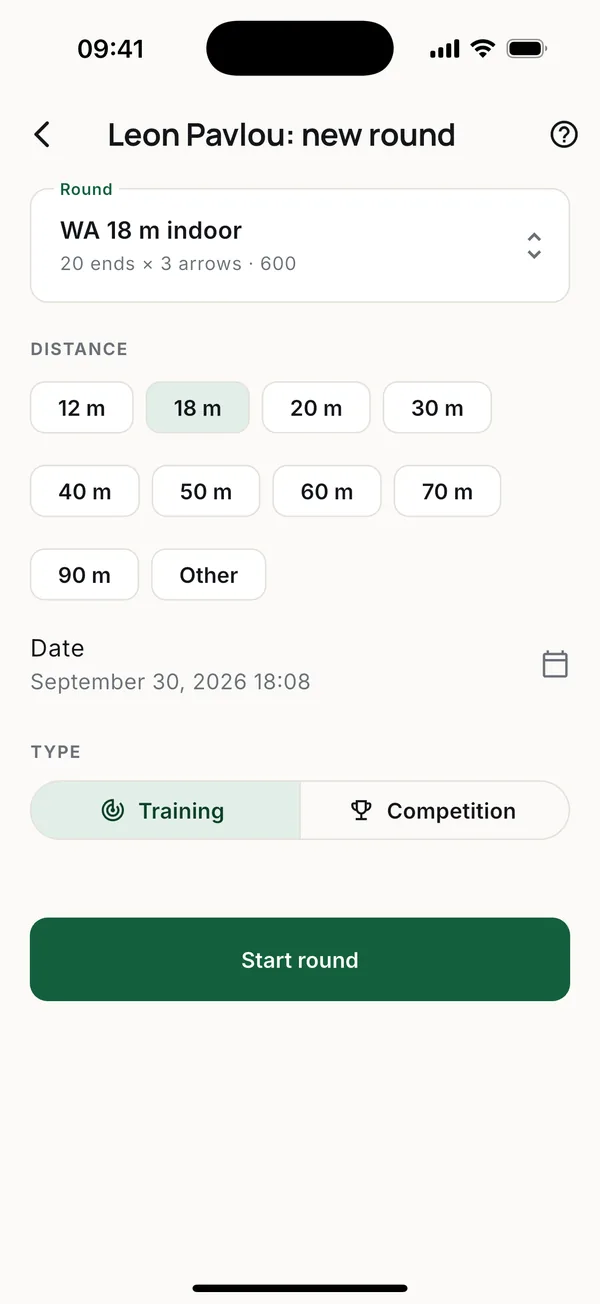
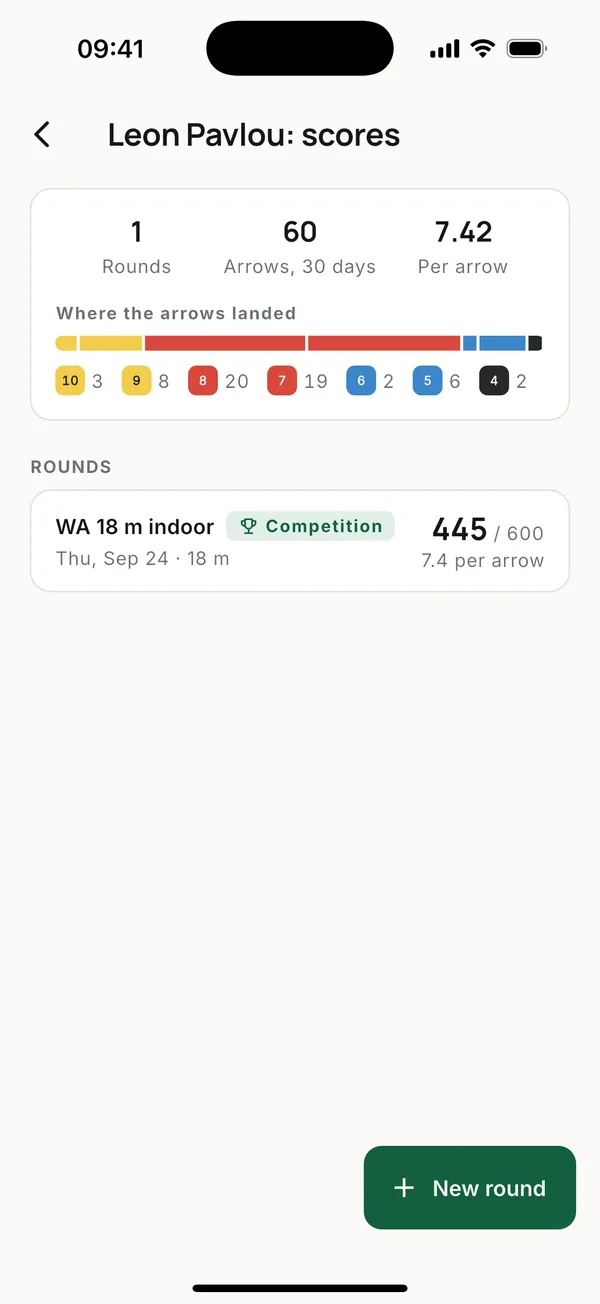
Open the member, tap Scores, then New round, and score it end by end. The round goes into that athlete's scores. See Scores.
Payments
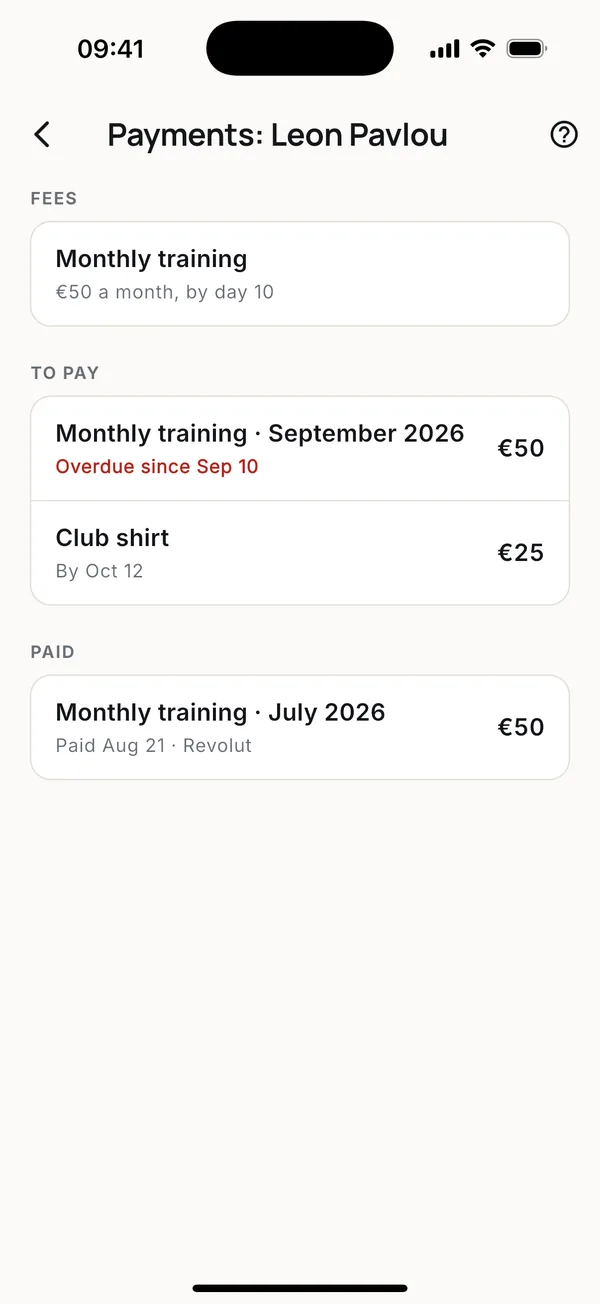
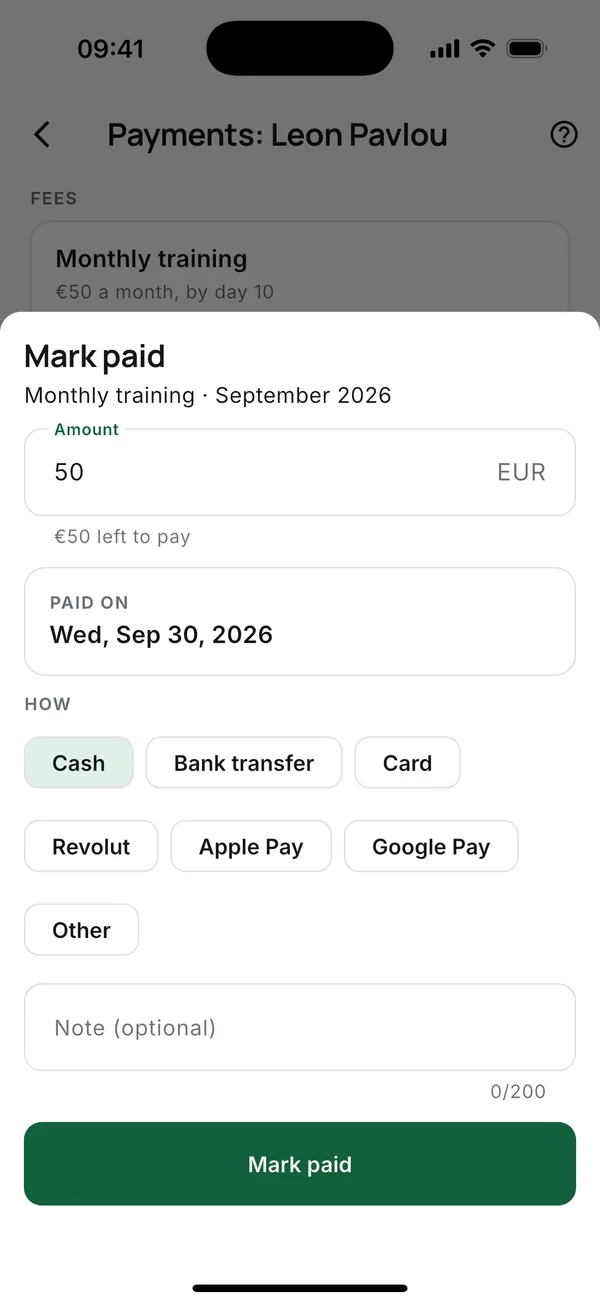
If the owner has turned on Collects payments for you, you can mark what a member paid: open the member, tap Payments, tap the charge and Mark paid. You can undo your own mark within a day. Fees themselves are set by the owner or an admin. See Payments.
More guides
Questions? Write to [email protected]