
One tap. Bright light.
A flashlight that just works. One tap on the widget, a shake of the phone, or the quick-tile - your light is on. Plus a Morse SOS, full-screen color light, and a built-in magnifier.
FEATURES
Everything a flashlight should be - nothing more.
No locked features, no popups, no surprise paywalls. Just a torch you can trust the moment the room goes dark.
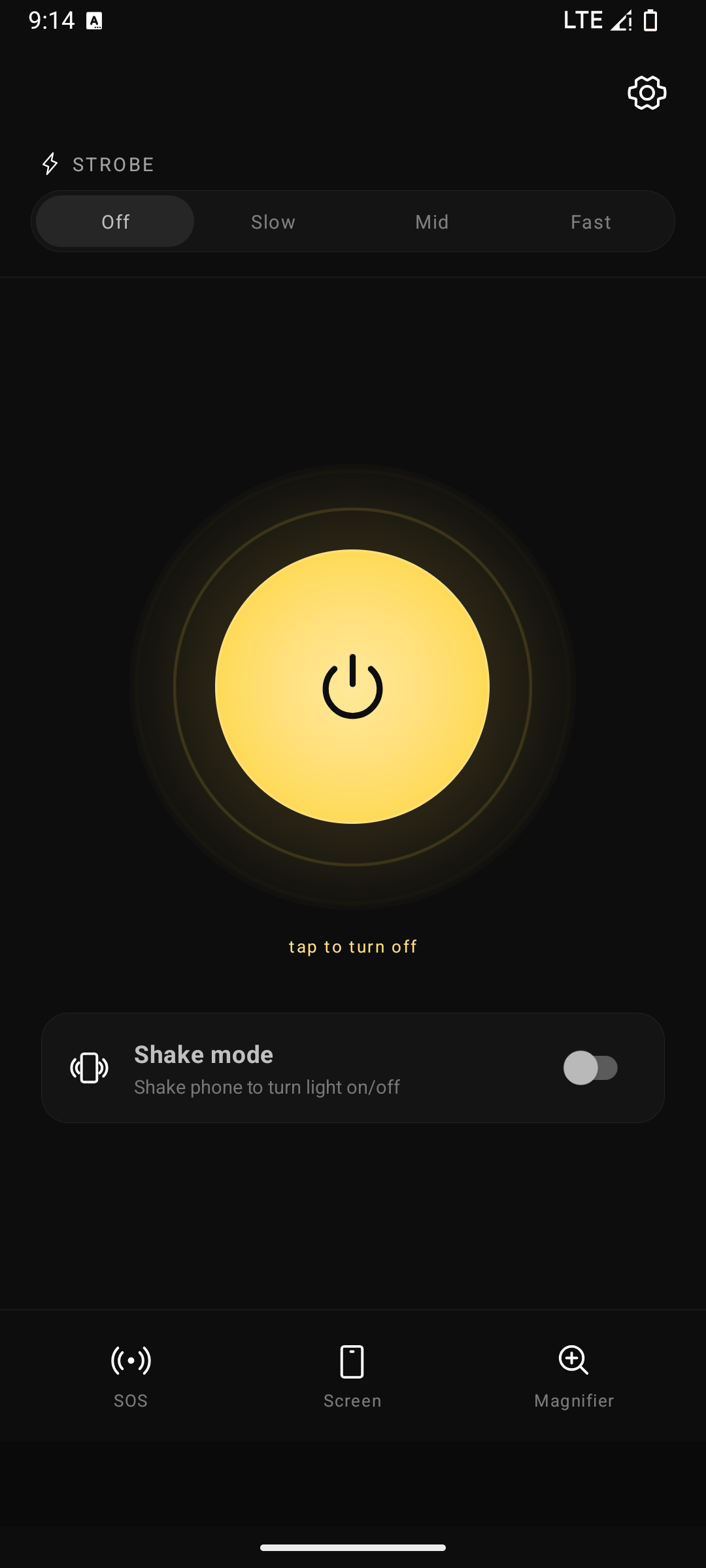
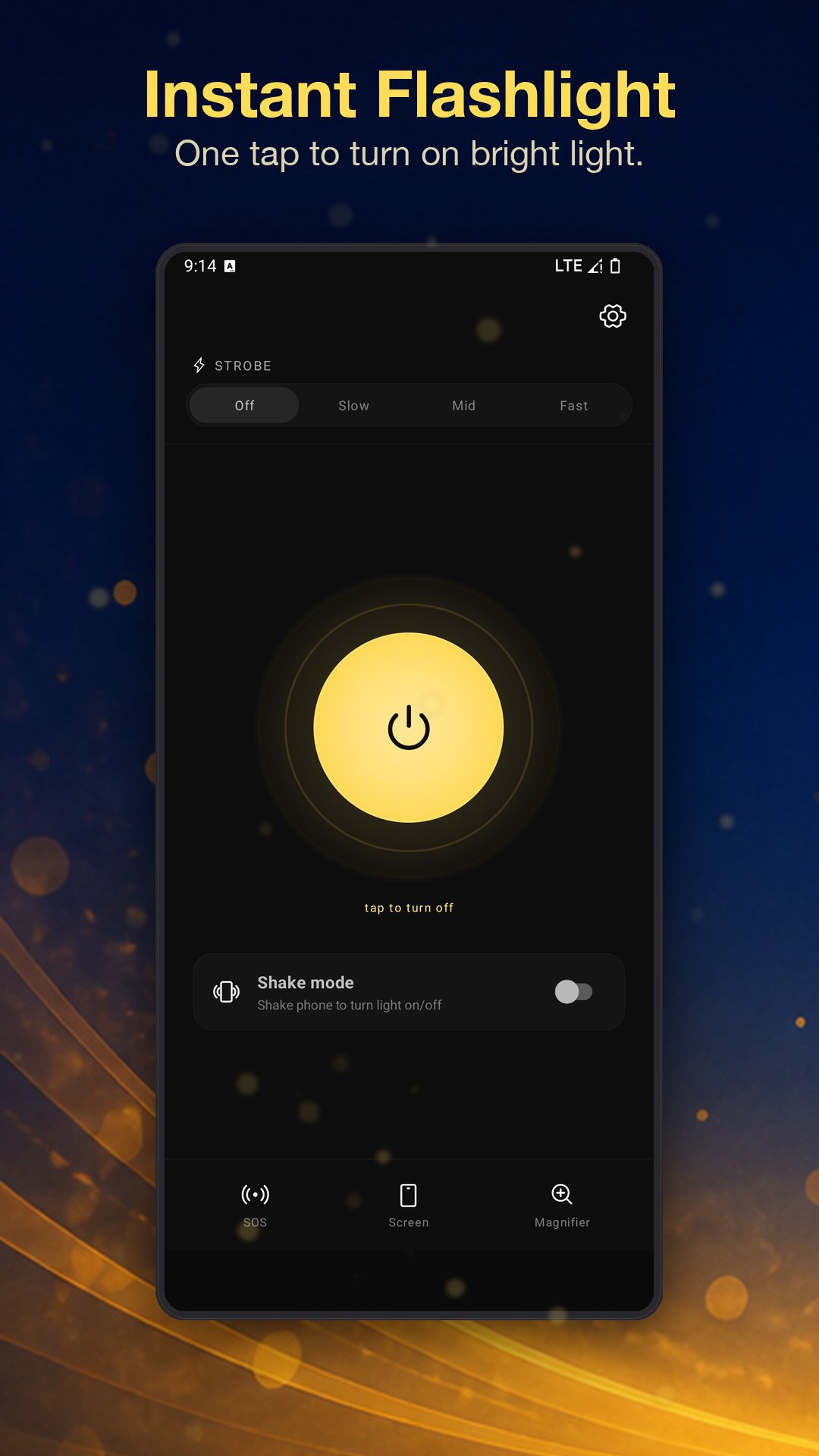
One-tap torch
The big power button is the whole UI. Open the app, tap, light. Or skip the app entirely with the home-screen widget and quick-settings tile.
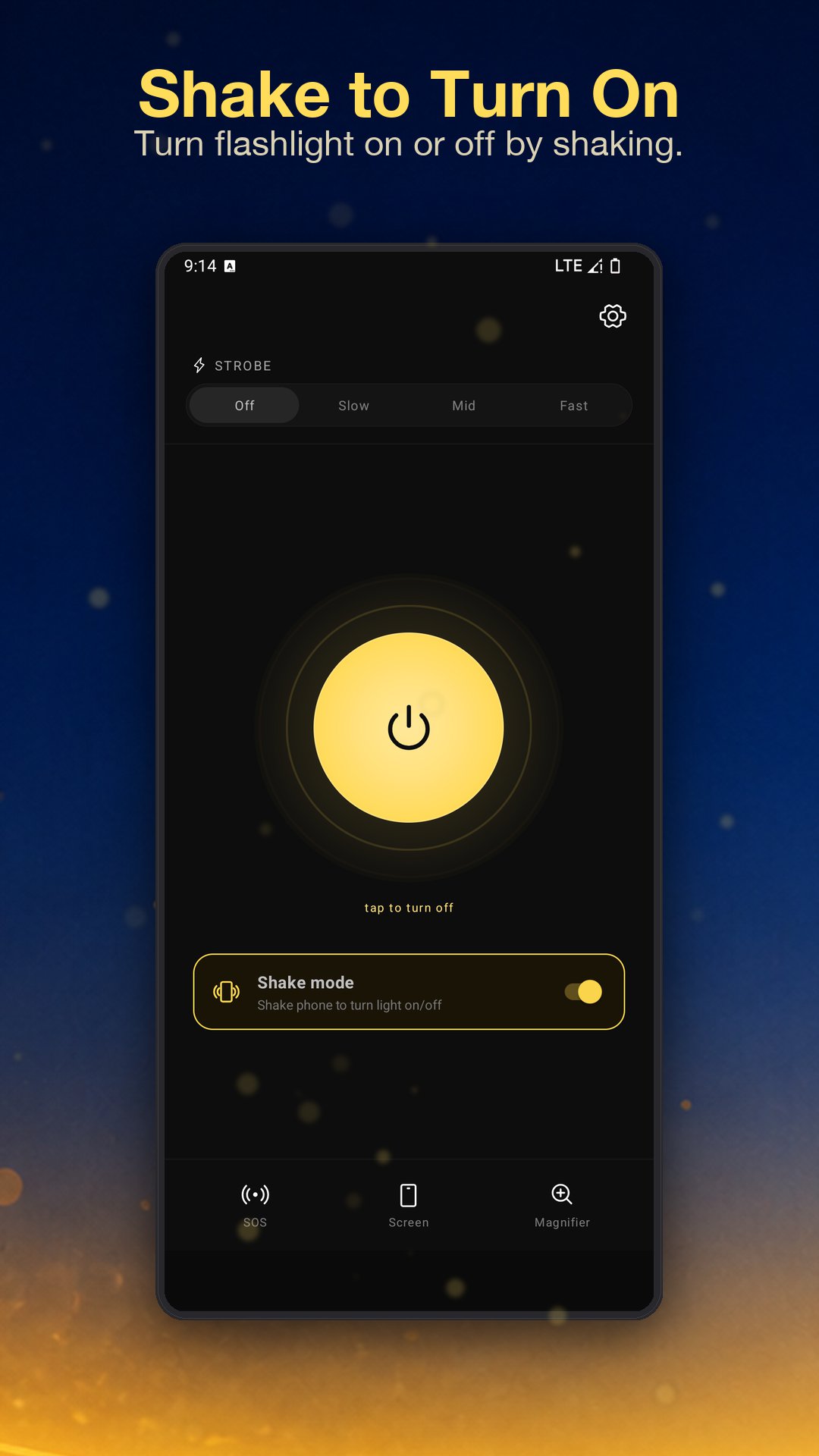
Shake to toggle
Reach into your bag, give the phone a shake - torch on. Three sensitivity levels. Background-aware so it keeps working even when the app isn't open.
Strobe with speed control
Off, slow, medium, fast. Useful for signalling at a campsite, drawing attention in an emergency, or as a workshop strobe.
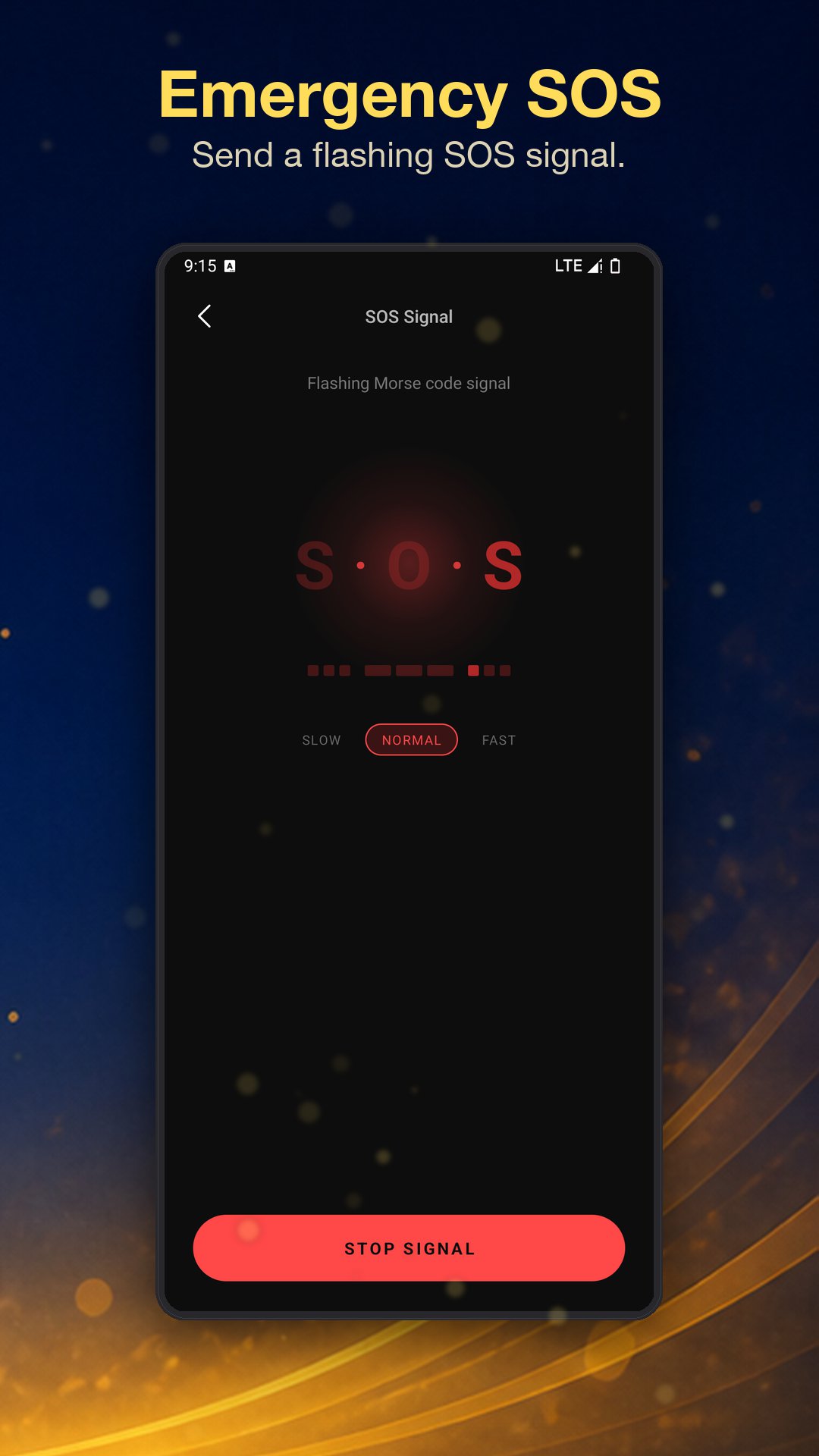
SOS in Morse
Internationally recognized · · · - - - · · · pattern. Three speeds. The screen mirrors the rhythm so help can see you even at a distance.
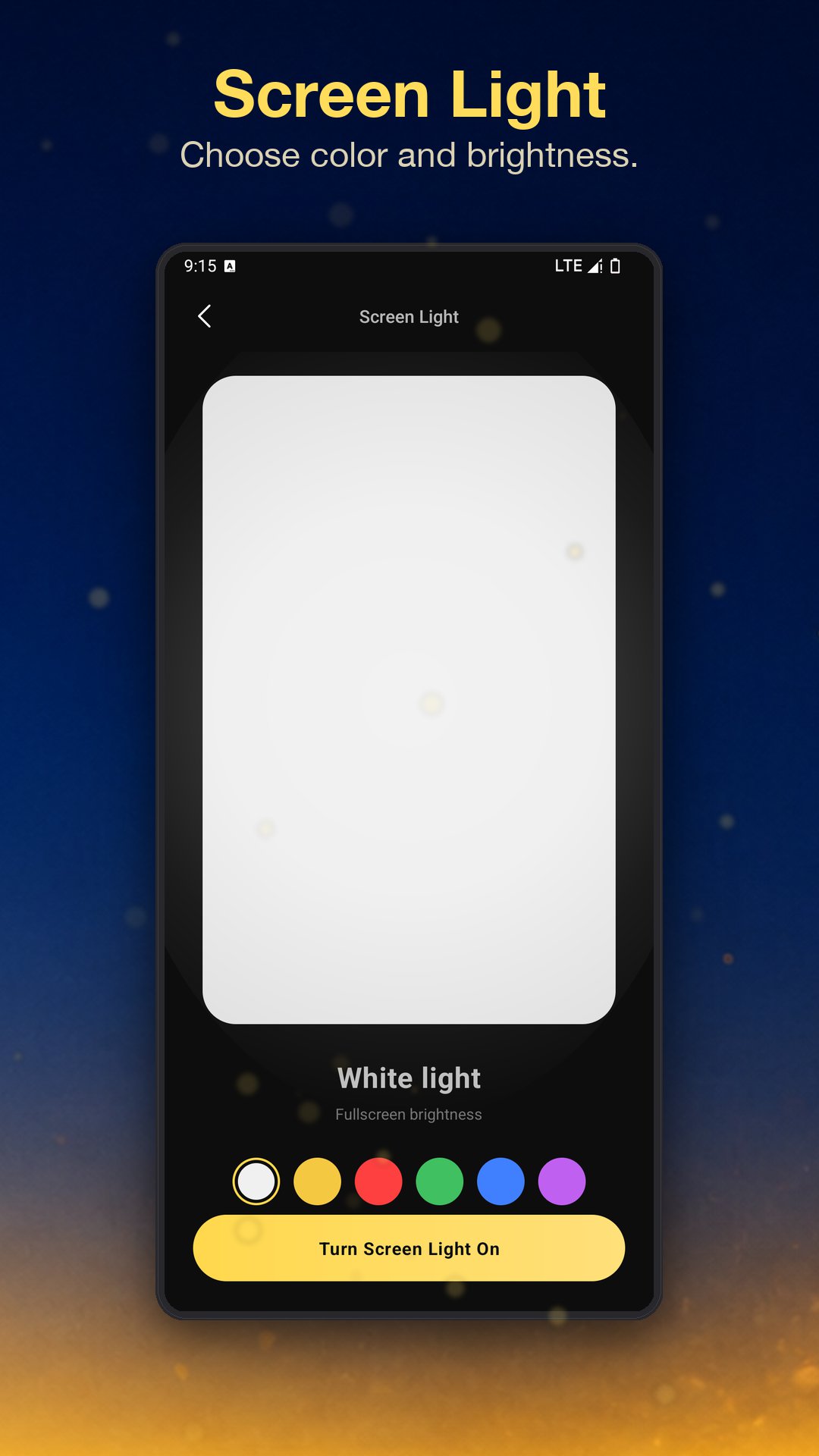
Screen as a light
Turn the whole display into a soft, full-bright panel. Six color presets - warm yellow won't blind a sleeping kid; red preserves night vision.
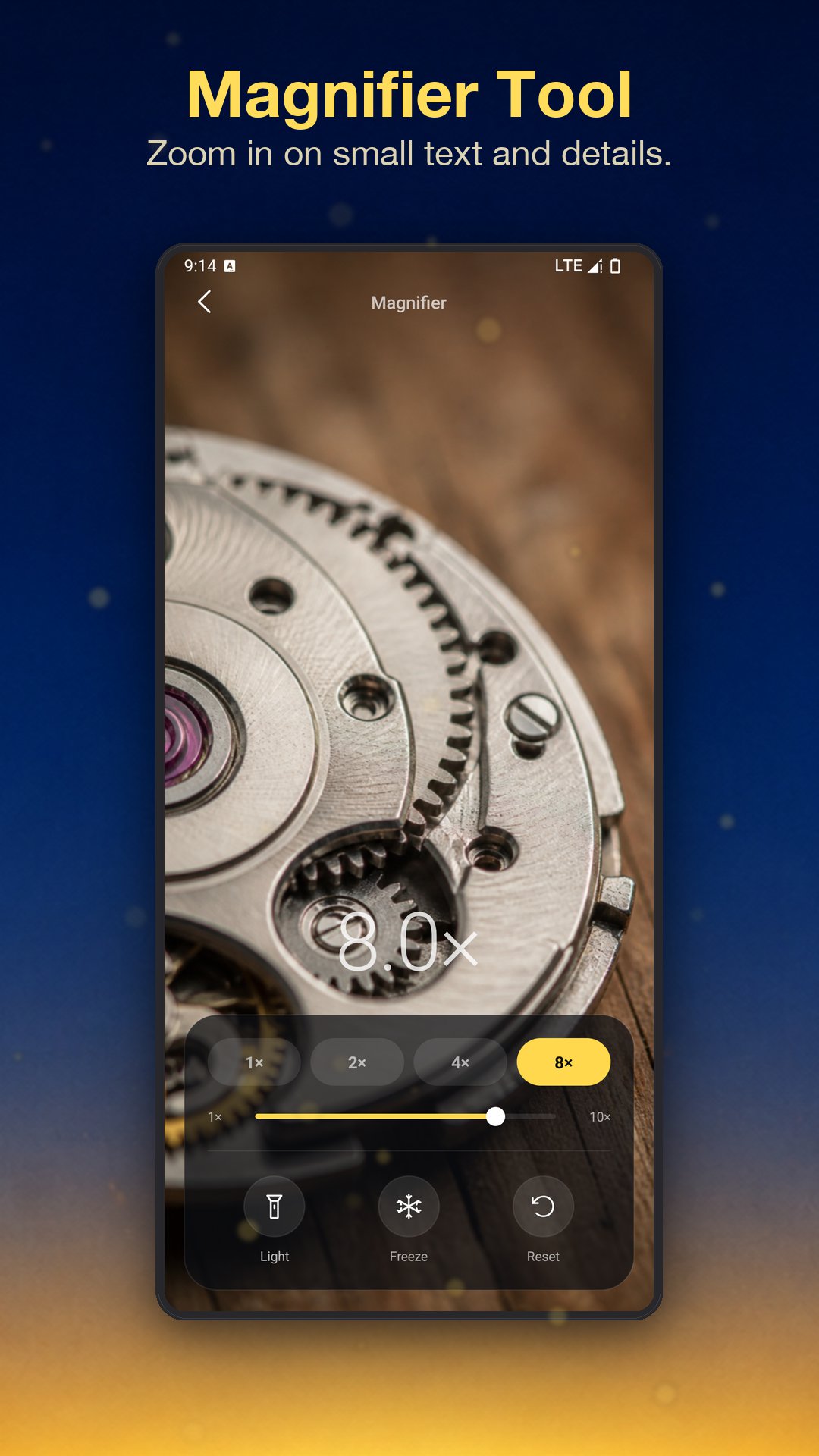
Magnifier with the torch on
1×, 2×, 4×, 8× zoom with the LED automatically lighting whatever you're trying to read. Tap to freeze the frame for a steady look.
EVERY WAY TO TURN IT ON
Open the app - or don't.
Most "flashlight emergencies" don't give you time to find an icon. We made sure you never have to.
Home-screen widget
A 1×1 widget that toggles the torch in a single tap. Drop it next to your clock and never open the app again.
Quick-settings tile
Add Flashlight to your pull-down quick-settings panel. One tap from the lockscreen, even with the phone face-down on the table.
Shake the phone
Hands-free toggle that works in your pocket, in a glove, or while carrying groceries. Set the sensitivity once and forget about it.
EVERY MODE AT A GLANCE
Five taps, five tools.
QUESTIONS
The short version.
Is it really free?
Yes. There are no ads, no in-app purchases, no premium tier. Every feature is unlocked on first launch.
What permissions does it use?
Camera (to control the LED flash) and a foreground service for shake detection. Nothing else - no location, no contacts, no microphone.
Will it drain my battery?
The torch itself is what consumes power, like any flashlight. The shake-detection service is built around the low-power motion sensor and is designed to be background-friendly.
What about my data?
Flashlight runs entirely on your device - no account, no cloud sync. Read the privacy policy for the full breakdown of what the app does and doesn't access.
Light. Right now.
One tap, one shake, one tile-press - whichever's nearest. A flashlight that's there before you've finished thinking "I need a flashlight."