Save any page. Read it forever.
A local-first read-later app. Save articles before they disappear, read them offline in a clean reader, export anywhere. No cloud, no account, no ads.
FEATURES
Built for readers, not feeds.
Save what matters. Read it the way you want. Keep it for as long as you like - even when the original goes offline.
Save any page
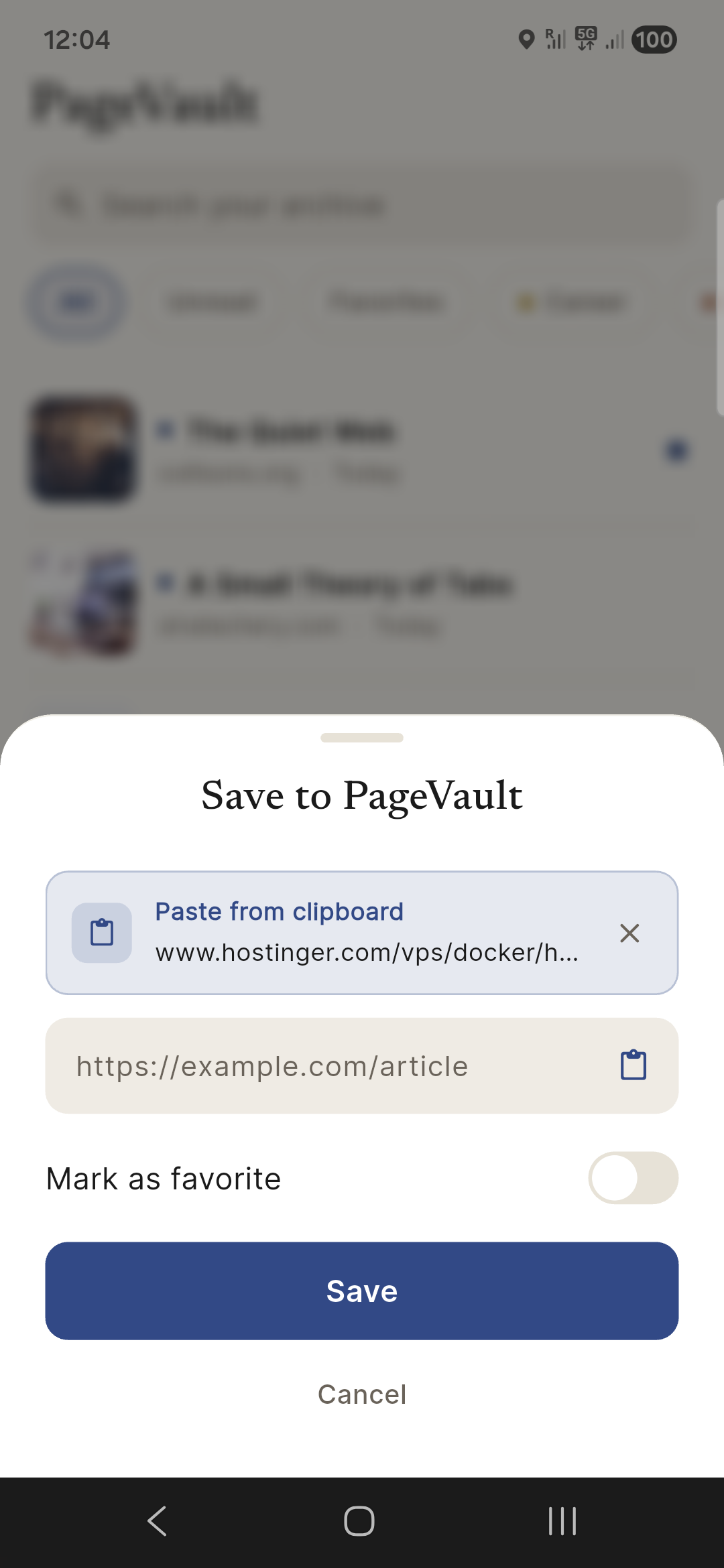
Paste a URL or share from any app. PageVault extracts the article, hero image, and metadata - instantly.
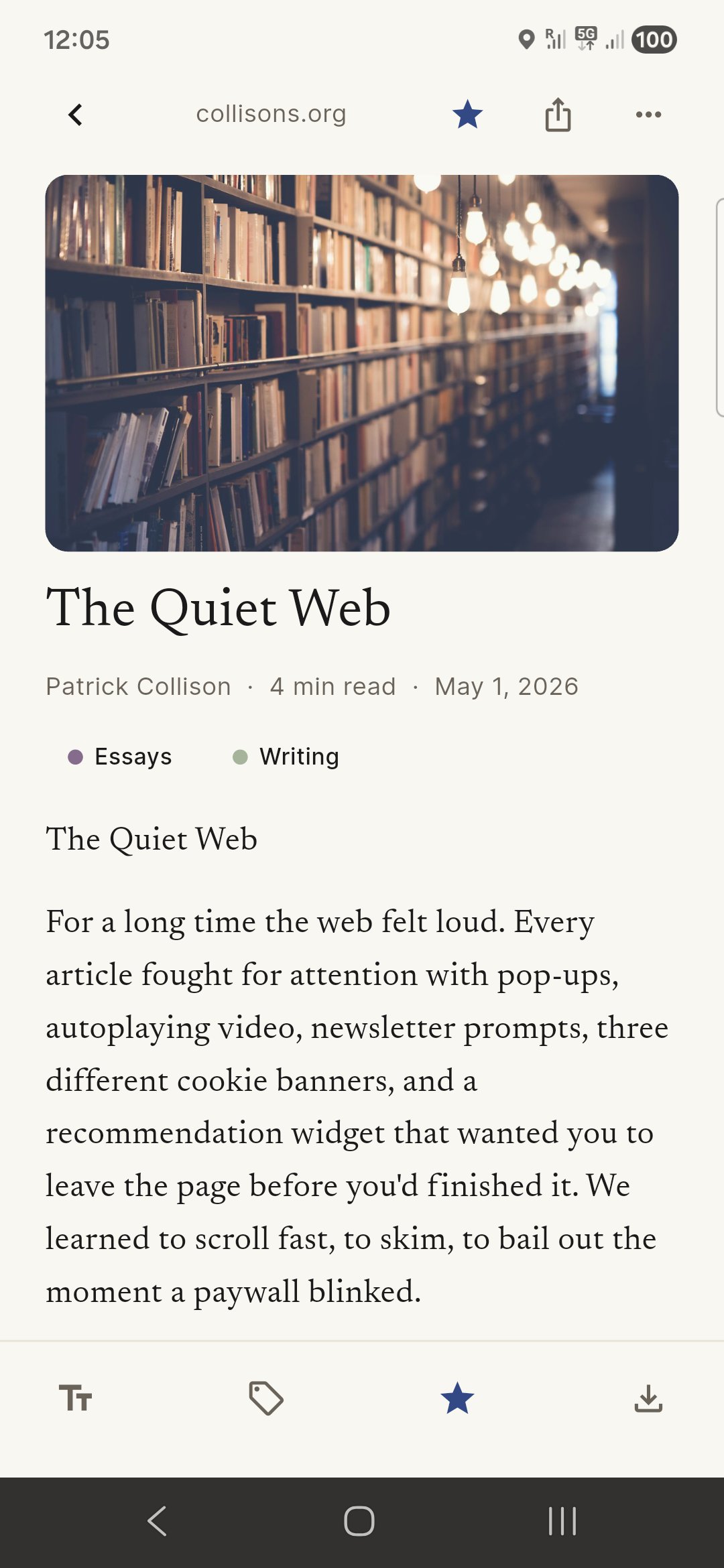
Distraction-free reader
Newsreader serif type. Adjustable size and theme. No popups, no banners, no chrome - just the article.
Tags & search
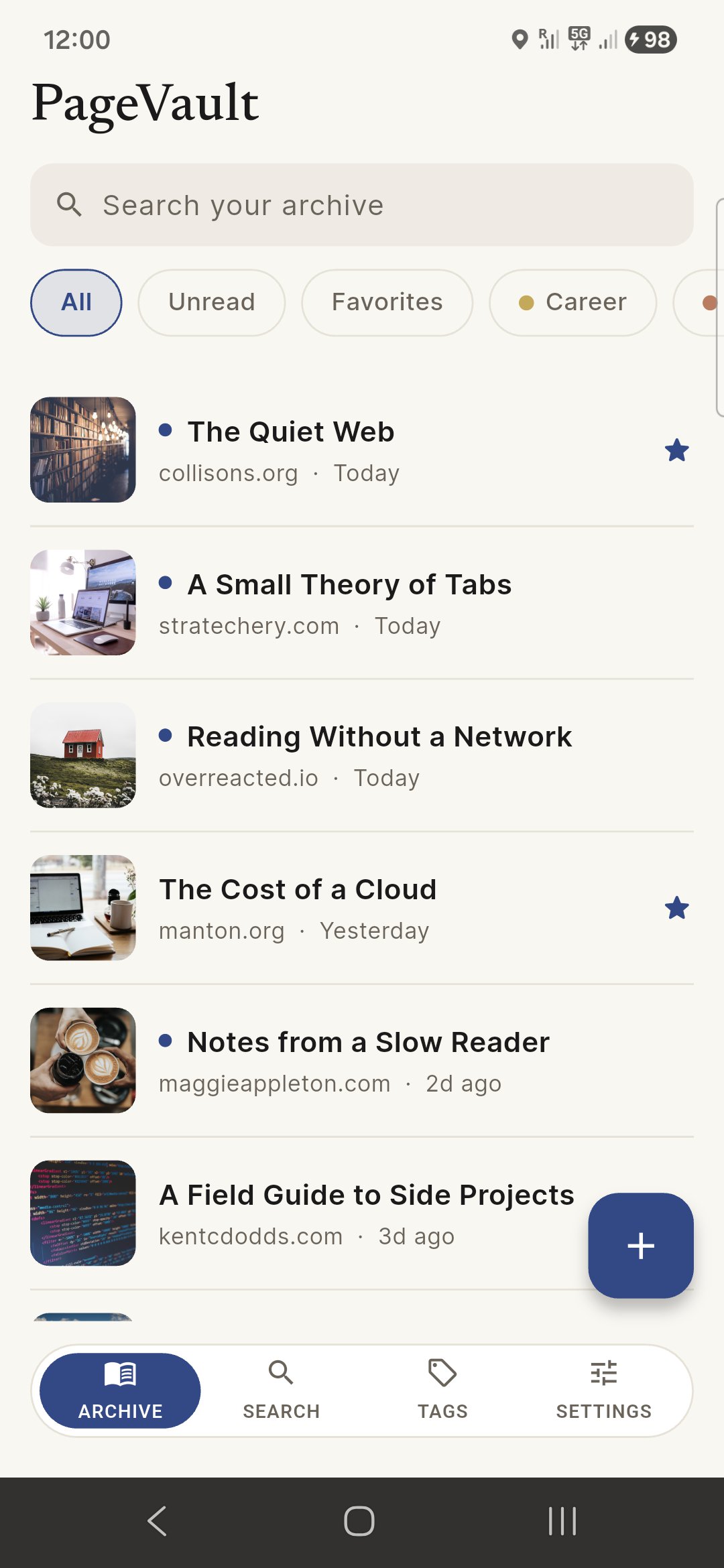
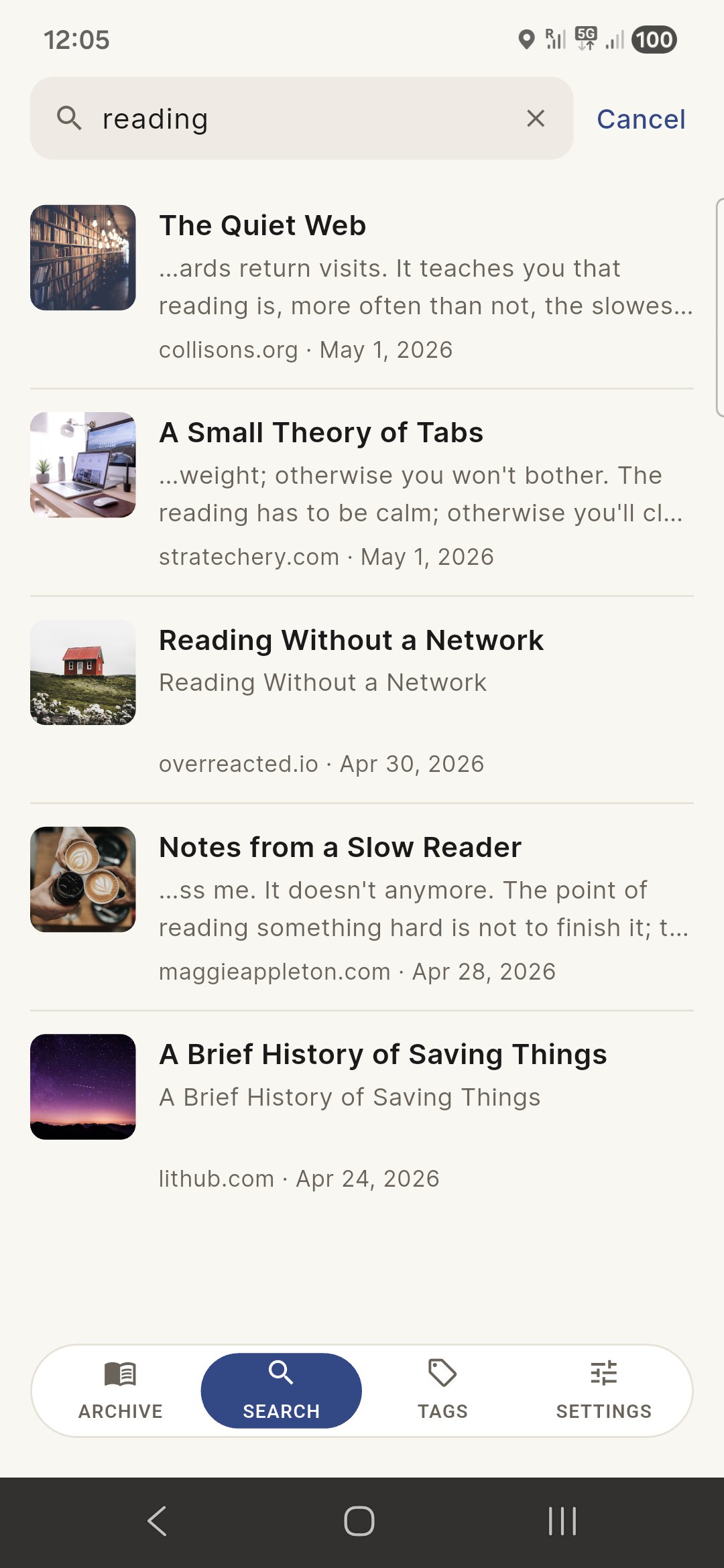
Color-coded tags, full-text search across every article you ever saved. Snippets show why each match hit.
Export anywhere
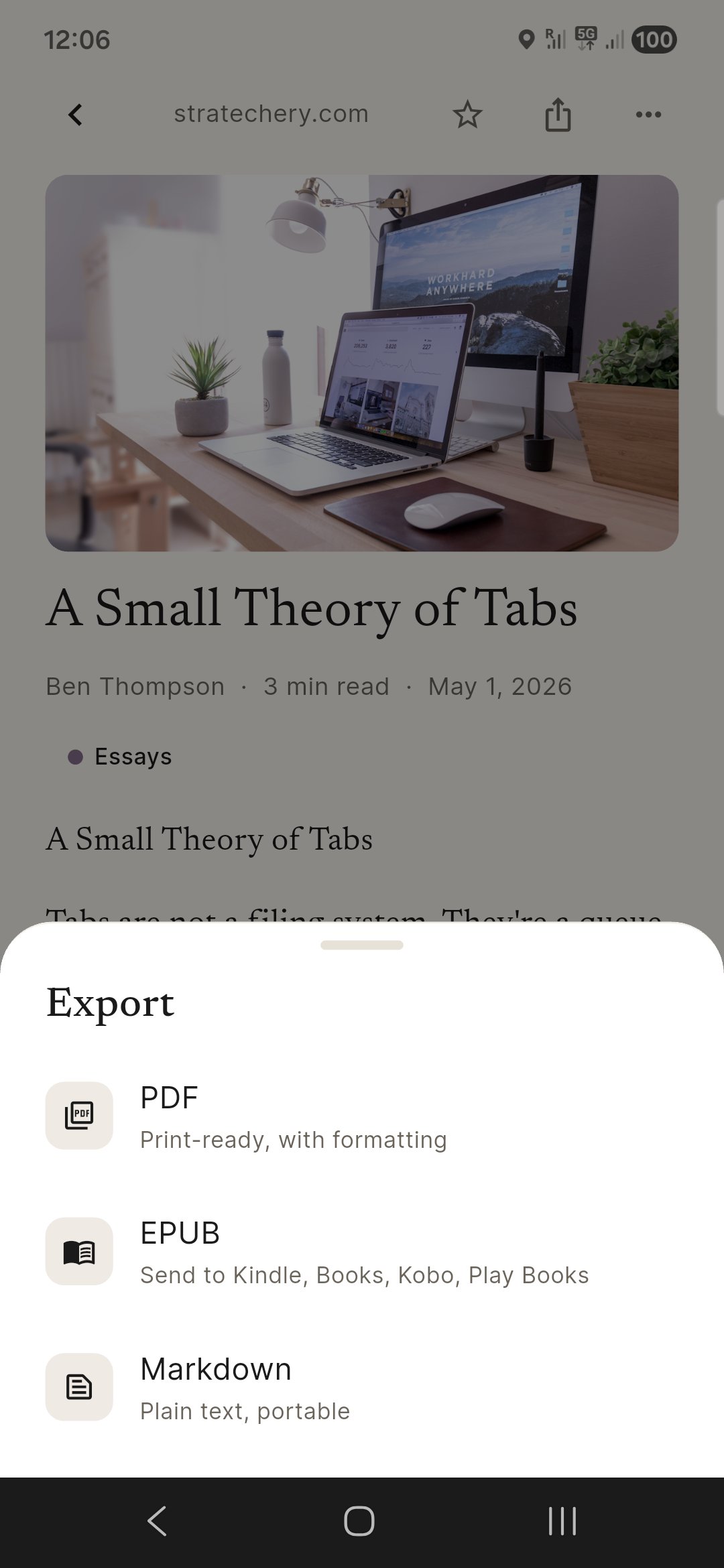
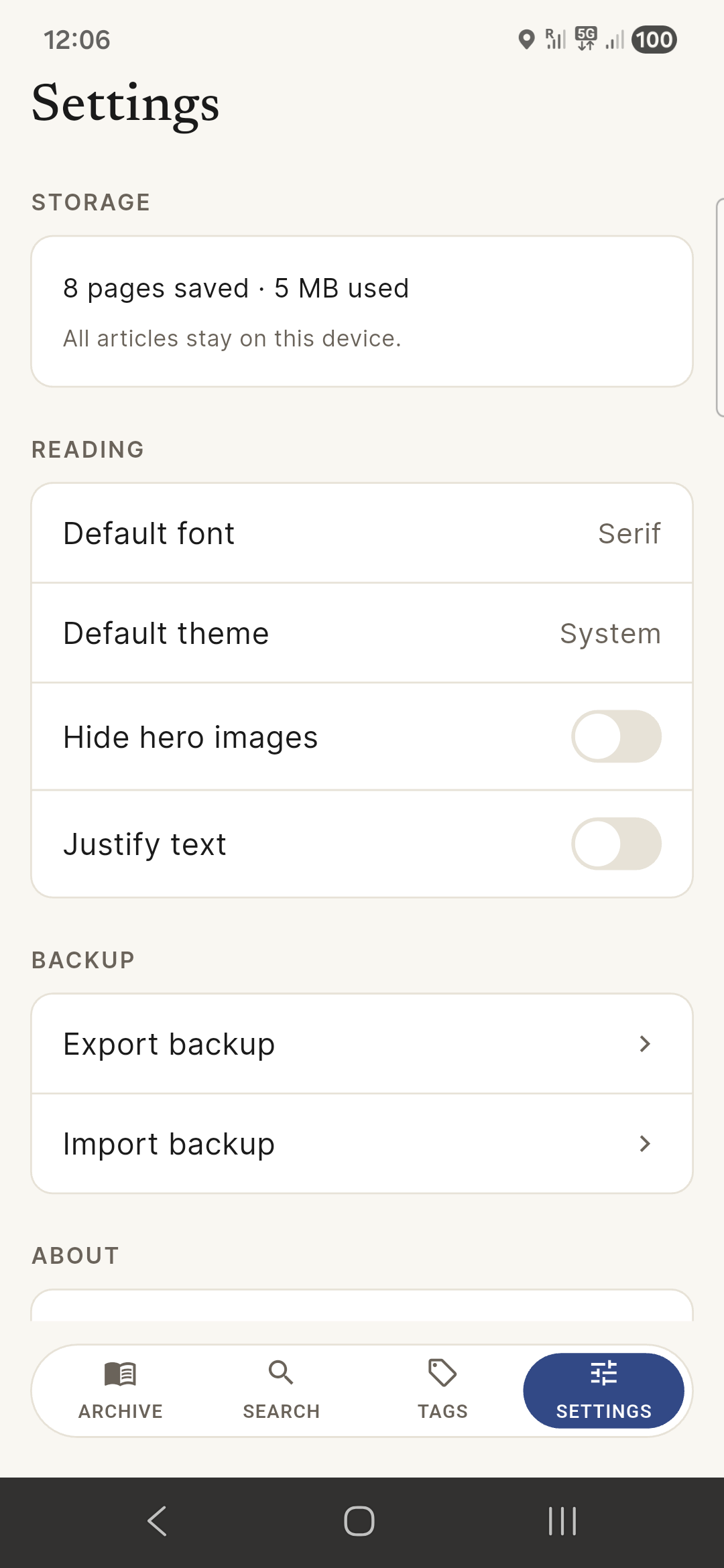
Send any article to PDF, EPUB, or Markdown. Bulk-export your library as a backup ZIP and re-import on any device.
Offline forever
Once saved, an article is yours - even if the source goes dead. Read on a plane, on the metro, anywhere.
Local-first
Your library lives on your device - not on our servers. No account. No sync. No data leaves unless you choose.
HOW IT WORKS
Three taps from the web to your shelf.
No accounts to set up, no cloud to log in to. Save once, read forever.
Share or paste
Tap Share in your browser, pick PageVault - or paste a URL inside the app.
We fetch the article
PageVault pulls the page, extracts the readable article, and stores it on your device.
Read whenever
Open the reader, adjust type, swipe through tags. Export to PDF or EPUB anytime.
A LOOK INSIDE
Quiet. Considered. Yours.
Hand-tuned typography, calm colors, no notifications. Designed to make reading feel like reading again.
QUESTIONS
The short version.
Is PageVault free?
Yes. Free on Android today, iOS shortly after. No ads, no signup. Optional in-app tip jar may arrive later - never gating core features.
Where are my articles stored?
On your device, in a local SQLite database. No cloud sync. If you uninstall, the library goes with the app - export a backup first.
Does it work offline?
Yes - once saved, an article doesn't need a network. Saving a new one needs internet to fetch the source page.
Will my saved articles disappear if the source goes down?
No. Your copy is local. Even if the original site shuts down or paywalls the article, your saved version stays readable.
Save it before it's gone.
Local-first. Private by design. Free. The read-later app that doesn't depend on anyone but you.